The AI copilot for your whole browser
Muse is an AI copilot that lives in Chrome’s side panel — for writing, coding, reading and creating on any website. Open it with one shortcut, close it when you’re done.
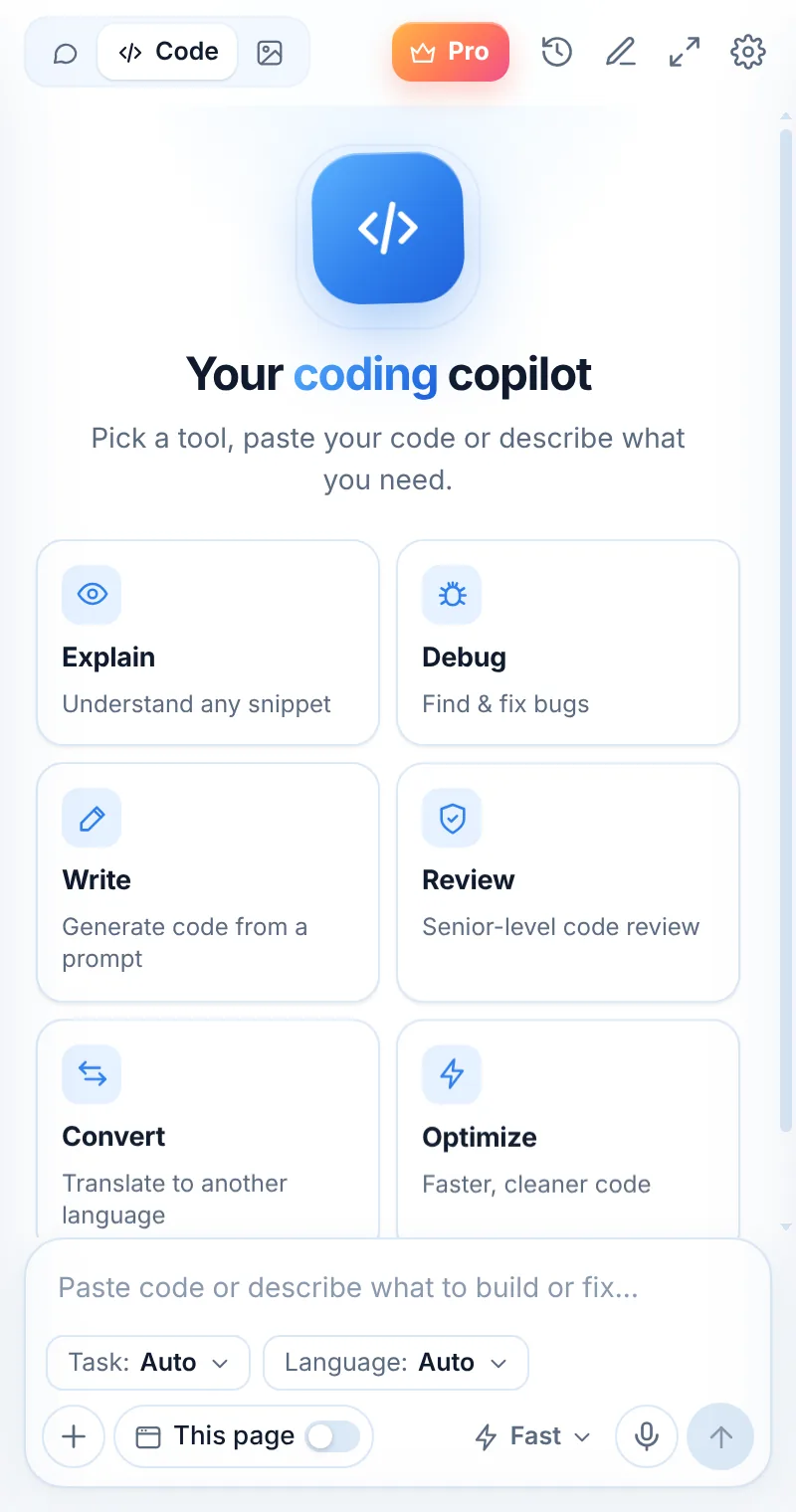
Three steps, zero tab-switching
Install Muse
Add it from the Chrome Web Store.
Open the copilot
Alt+Shift+L or the toolbar icon.
Pick a mode
Chat, Code or Image — then ask.
Like a pair programmer — for everything you do online
Muse sits beside you in Chrome the way a copilot sits beside a pilot: watching only what you show it, ready with the next step.
- Writing copilot: emails, posts, edits
- Coding copilot: 11 dedicated tools
- Reading copilot: page summaries and Q&A
- Creative copilot: images in 7 styles
Common questions
What is an AI copilot for Chrome?
An AI copilot is an assistant that works alongside you in the browser — reading what you choose and helping you write, code and understand content without switching tools. Muse is one, built on Chrome’s side panel.
Is Muse related to Microsoft Copilot or GitHub Copilot?
No. “Copilot” here describes what Muse does. Muse AI Assistant is an independent extension and isn’t affiliated with Microsoft or GitHub.
How much does it cost?
Free with 2 requests a day. Muse Pro is unlimited: $5.99/week with a 2-day trial, $10.99/month or $34.99/year.
Related pages

Your AI assistant is one click away
Add Muse to Chrome for free. Two AI requests a day on the free plan — upgrade only if you need more.