AI SQL query generator — from question to query
Describe the data you need and Muse writes the SQL — joins, aggregates, window functions and all. Or paste a slow or broken query and get it fixed and explained.
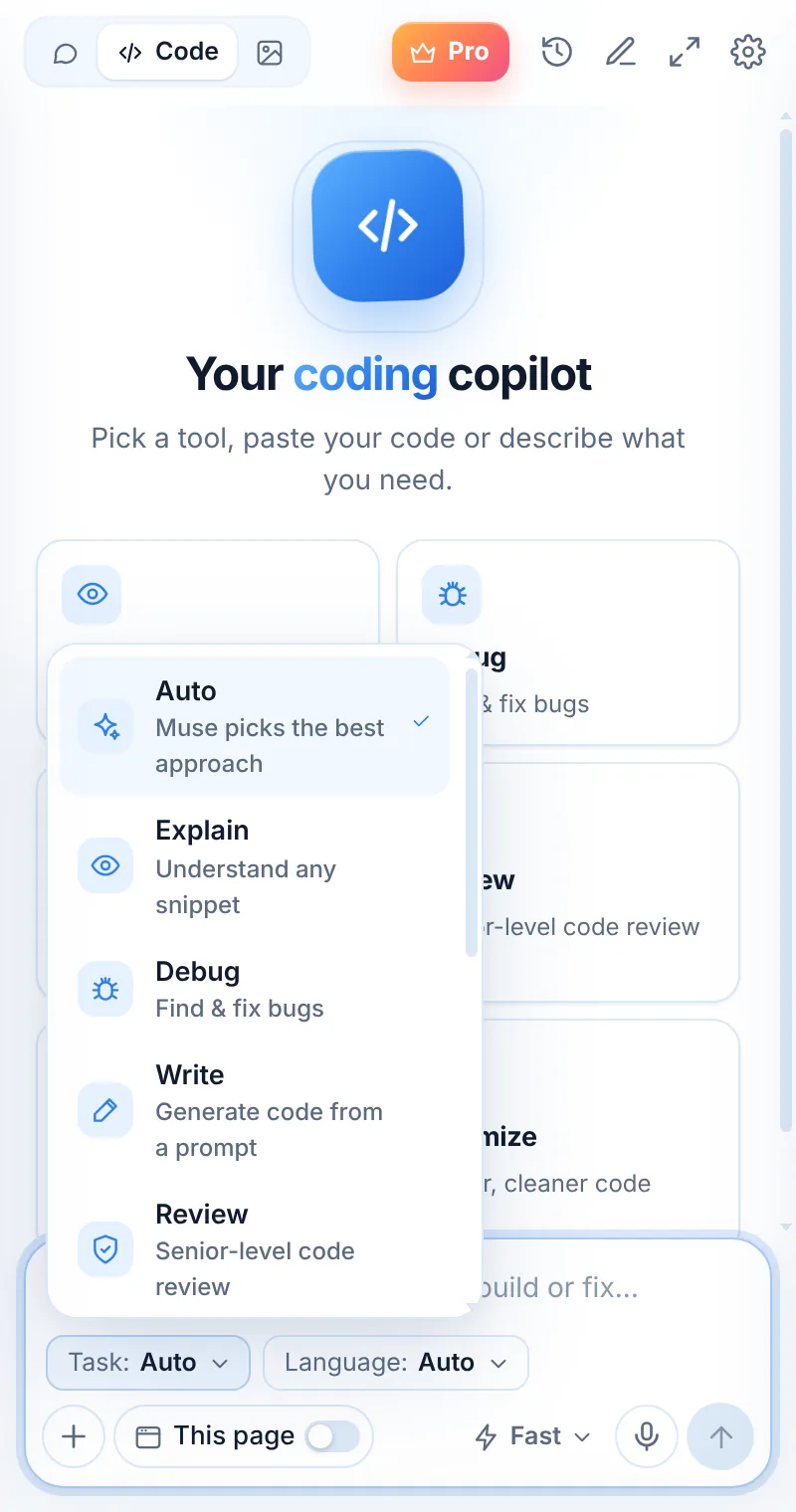
Queries that read like the question
SQL mode writes clear, formatted queries, uses ranges that can hit indexes, and explains joins and grouping in one sentence each.
- PostgreSQL, MySQL, SQLite, SQL Server, BigQuery dialects
- Fix errors and explain slow queries
- Window functions and CTEs
- Paste your schema for exact column names
SELECT c.name, SUM(o.total) AS revenue
FROM orders o
JOIN customers c ON c.id = o.customer_id
WHERE o.created_at >= '2026-01-01' AND o.created_at < '2027-01-01'
GROUP BY c.name
ORDER BY revenue DESC
LIMIT 10;
SQL in three steps
Switch to Code
Open Muse and tap Code in the mode switcher.
Pick “SQL”
Choose the task and, optionally, the language.
Paste and send
Paste your code or describe what you need — then ask follow-ups.
Things to ask
SQL: common questions
Which SQL dialects does Muse support?
Tell Muse your database — PostgreSQL, MySQL, SQLite, SQL Server, BigQuery, Snowflake and others — and it uses the right syntax.
Does Muse connect to my database?
No. Muse never connects to databases. Paste your schema or sample rows and run the query yourself.
Can it optimize a slow query?
Yes. Paste the query (and the EXPLAIN output if you have it) and Muse suggests rewrites and indexes.
Related pages

Your AI assistant is one click away
Add Muse to Chrome for free. Two AI requests a day on the free plan — upgrade only if you need more.