AI models
Muse Fast & Muse Smart: pick your speed
Muse gives you two AI engines. Muse Fast answers everyday questions in a blink. Muse Smart takes a moment longer to reason through complex problems and code.
Free plan · 2 requests a dayNo account neededChats stay in your browser
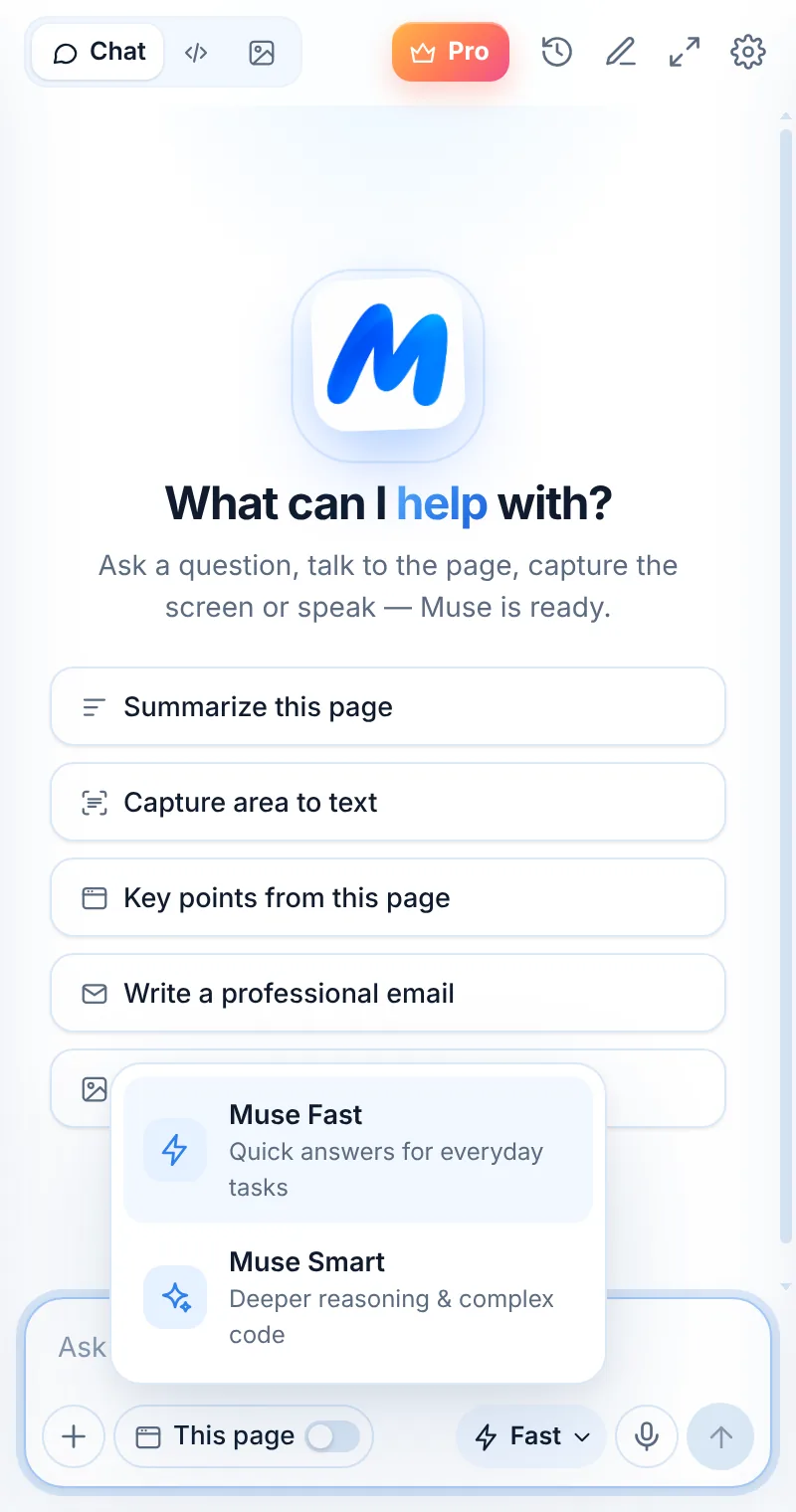
Two engines
Quick answers or deeper thinking
Pick the model per message from the composer. Fast for speed, Smart when the problem is hard. Both work with pages, images and voice.
- Muse Fast — quick answers for everyday tasks
- Muse Smart — deeper reasoning & complex code
- Change your default in Settings
- Same price — both included in every plan
Compare
Which one should I use?
| Muse Fast | Muse Smart | |
|---|---|---|
| Best for | Everyday questions, rewriting, emails, summaries | Hard problems, complex code, multi-step reasoning |
| Speed | Quickest replies | Takes a little longer to think |
| Coding | Small snippets and quick fixes | Debugging, reviews, refactors, tests |
| Switch | Per message in the composer | Per message in the composer |
| Default | Set in Settings → Default model | Set in Settings → Default model |
FAQ
Common questions
Which models power Muse Fast and Muse Smart?
Muse sends requests through OpenRouter to leading AI models, such as models from OpenAI and Google. We pick and update the models behind Fast and Smart to keep answers fast and accurate.
Does Smart cost more requests?
No. Each message counts as one request whichever model you choose.
Can I set Smart as the default?
Yes. Open Settings → Default model and choose Smart.
Keep exploring
Related pages

Your AI assistant is one click away
Add Muse to Chrome for free. Two AI requests a day on the free plan — upgrade only if you need more.