AI code documentation — comments & README in seconds
Paste code and Muse writes docstrings, JSDoc, inline comments or a full README — clear, accurate and in the style your project uses.
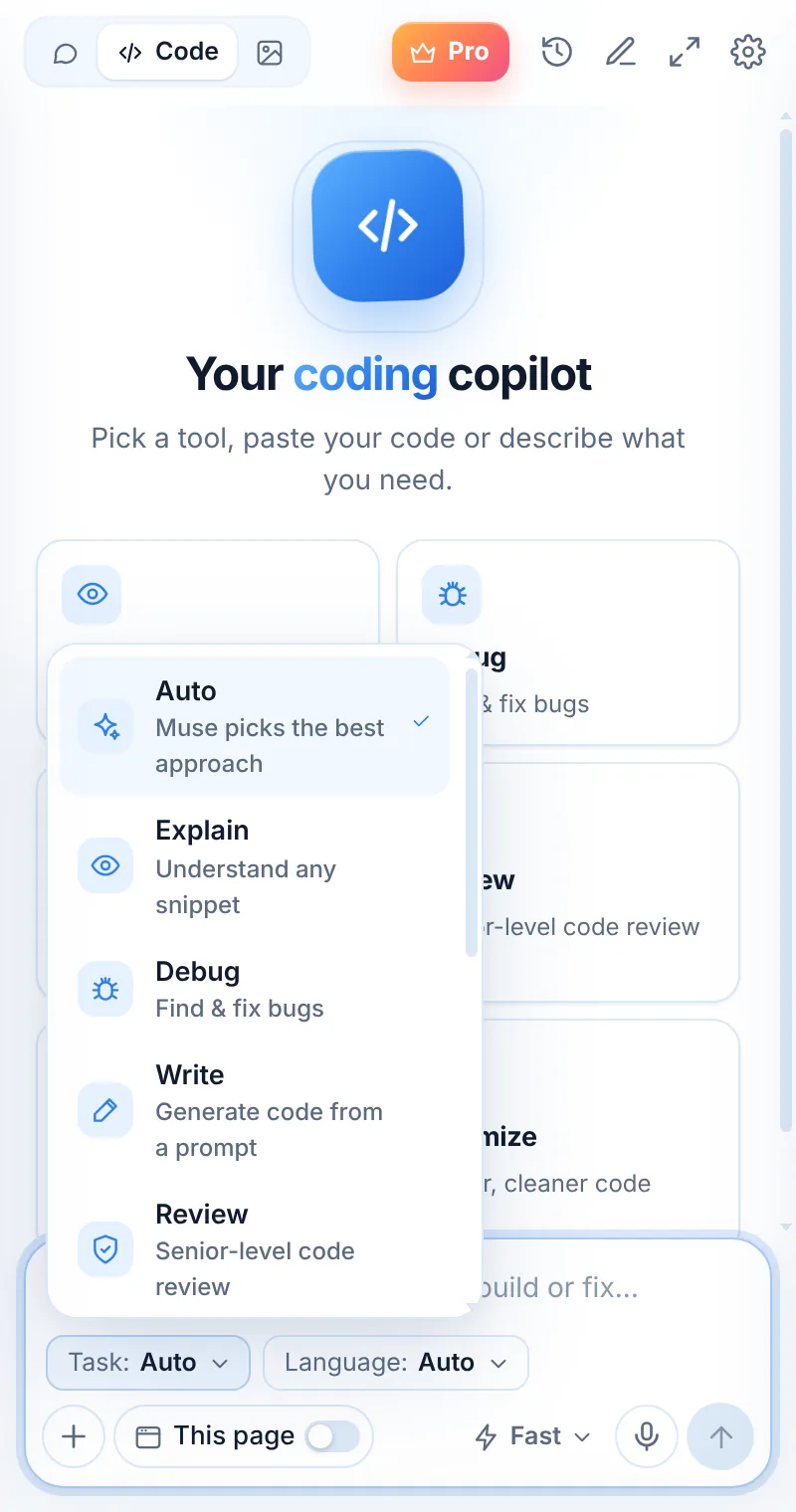
Docs your teammates will read
Docs mode writes documentation that explains intent, parameters, return values and examples — not just restating the code.
- Docstrings, JSDoc, KDoc, XML docs
- README with install, usage and examples
- Inline comments for tricky logic
- Changelogs and PR descriptions
export function slugify(s: string) { ... }
/**
 * Converts a string into a URL-friendly slug.
 * @param s - Any text, e.g. "Hello World!"
 * @returns Lowercase words joined by dashes, e.g. "hello-world"
*/Docs in three steps
Switch to Code
Open Muse and tap Code in the mode switcher.
Pick “Docs”
Choose the task and, optionally, the language.
Paste and send
Paste your code or describe what you need — then ask follow-ups.
Things to ask
Docs: common questions
Can Muse write a README?
Yes. Paste the main files or describe the project and ask for a README with installation, usage and examples.
Which comment styles are supported?
Python docstrings, JSDoc/TSDoc, Javadoc/KDoc, C# XML docs, Go doc comments and more — Muse follows your language’s convention.
Can it document an API?
Yes — paste the routes or handlers and ask for endpoint docs with request and response examples.
Related pages

Your AI assistant is one click away
Add Muse to Chrome for free. Two AI requests a day on the free plan — upgrade only if you need more.