Every Muse feature, in one place
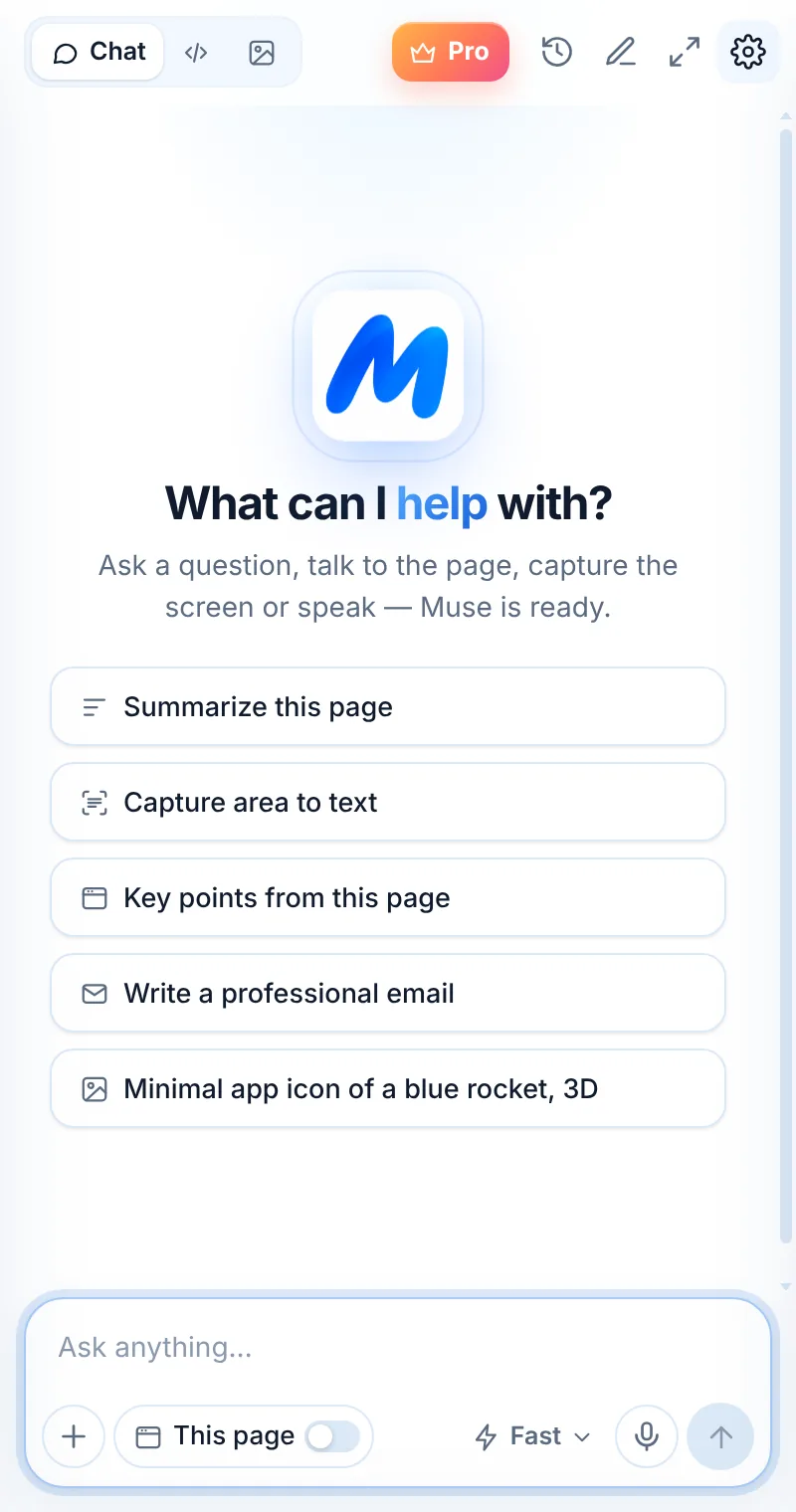
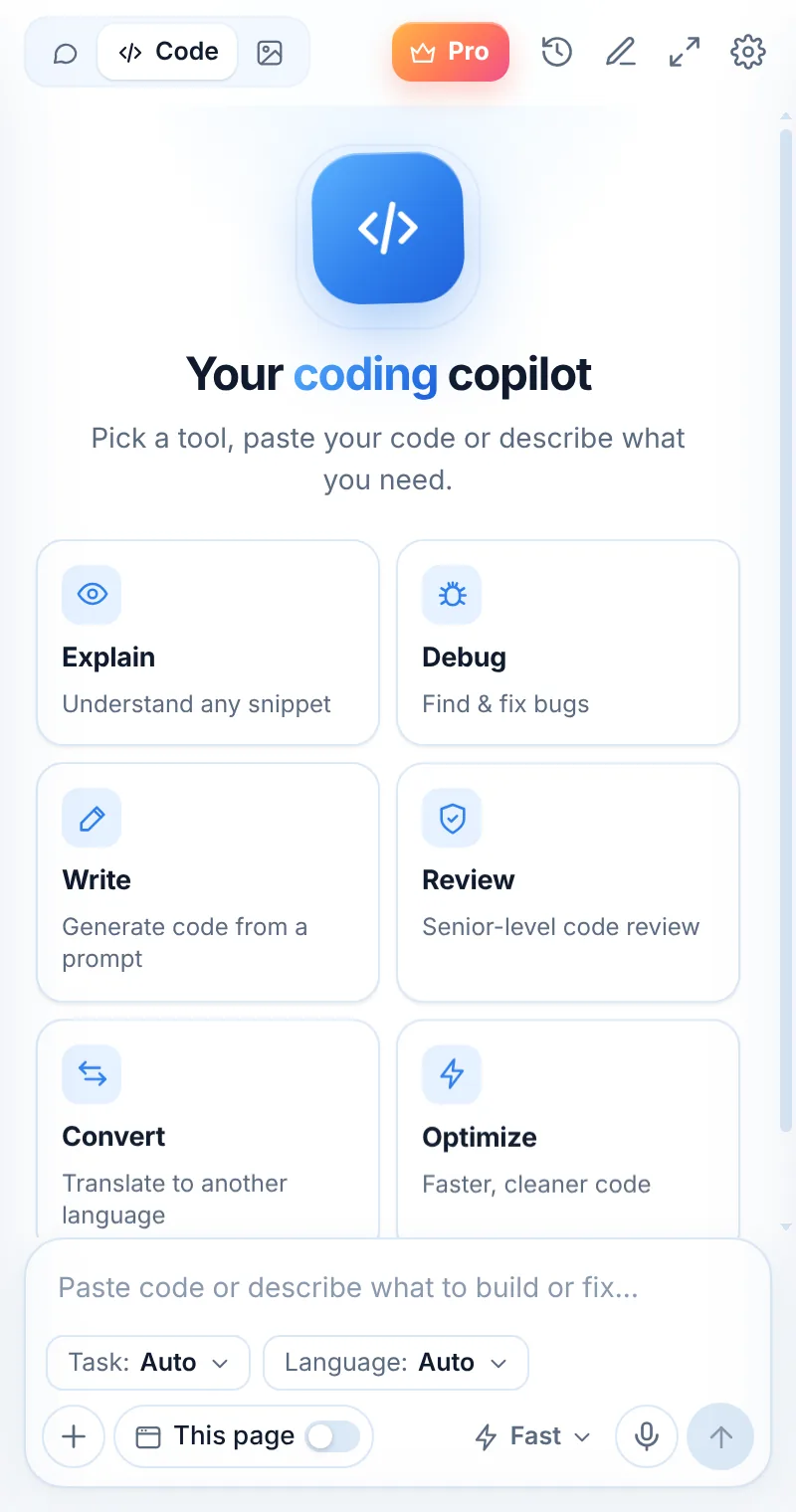
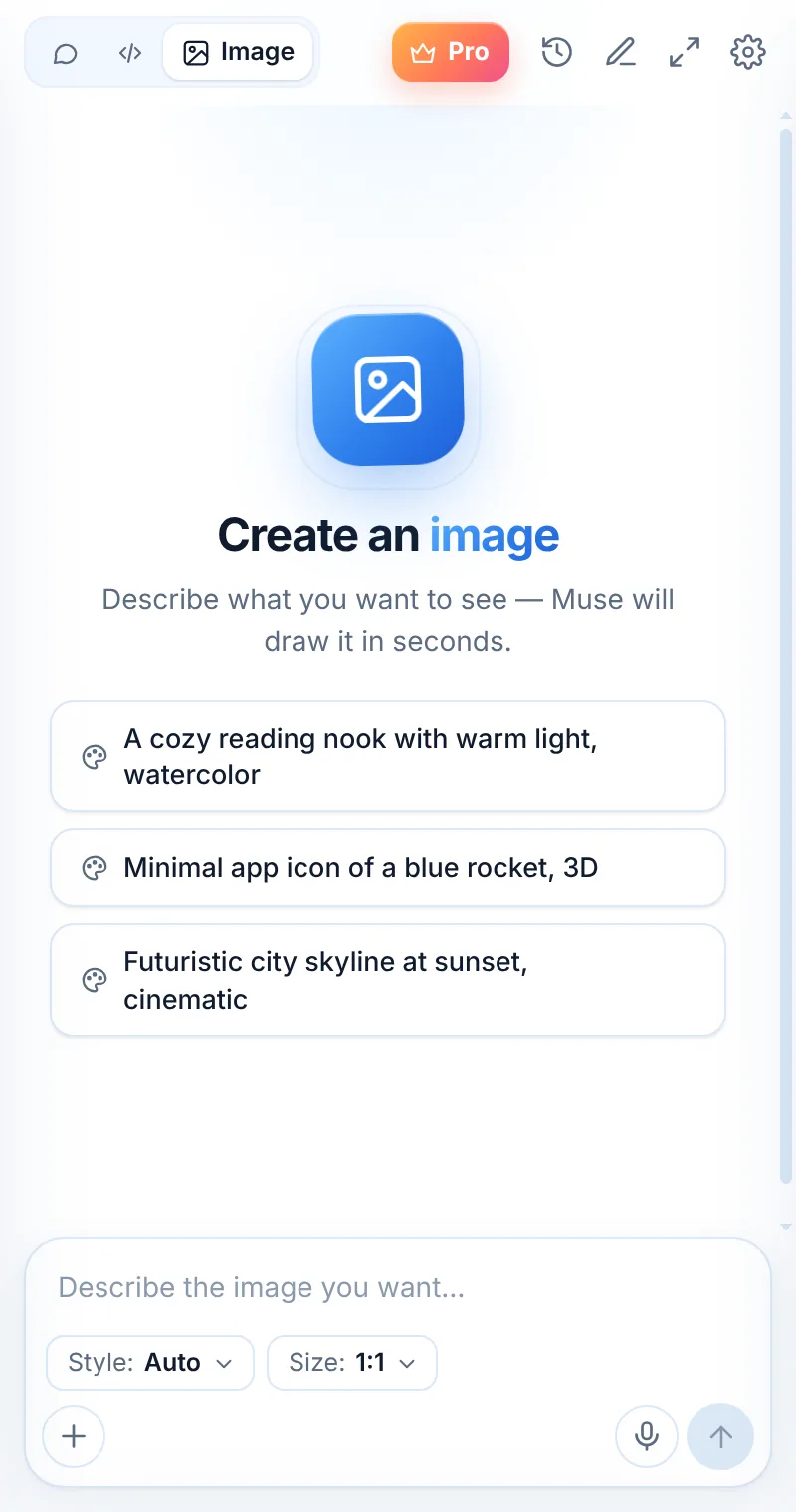
Muse AI Assistant combines AI chat, a coding assistant, page summaries, screenshot-to-text, voice input and an image generator in Chrome’s side panel.
One assistant. Ten superpowers.
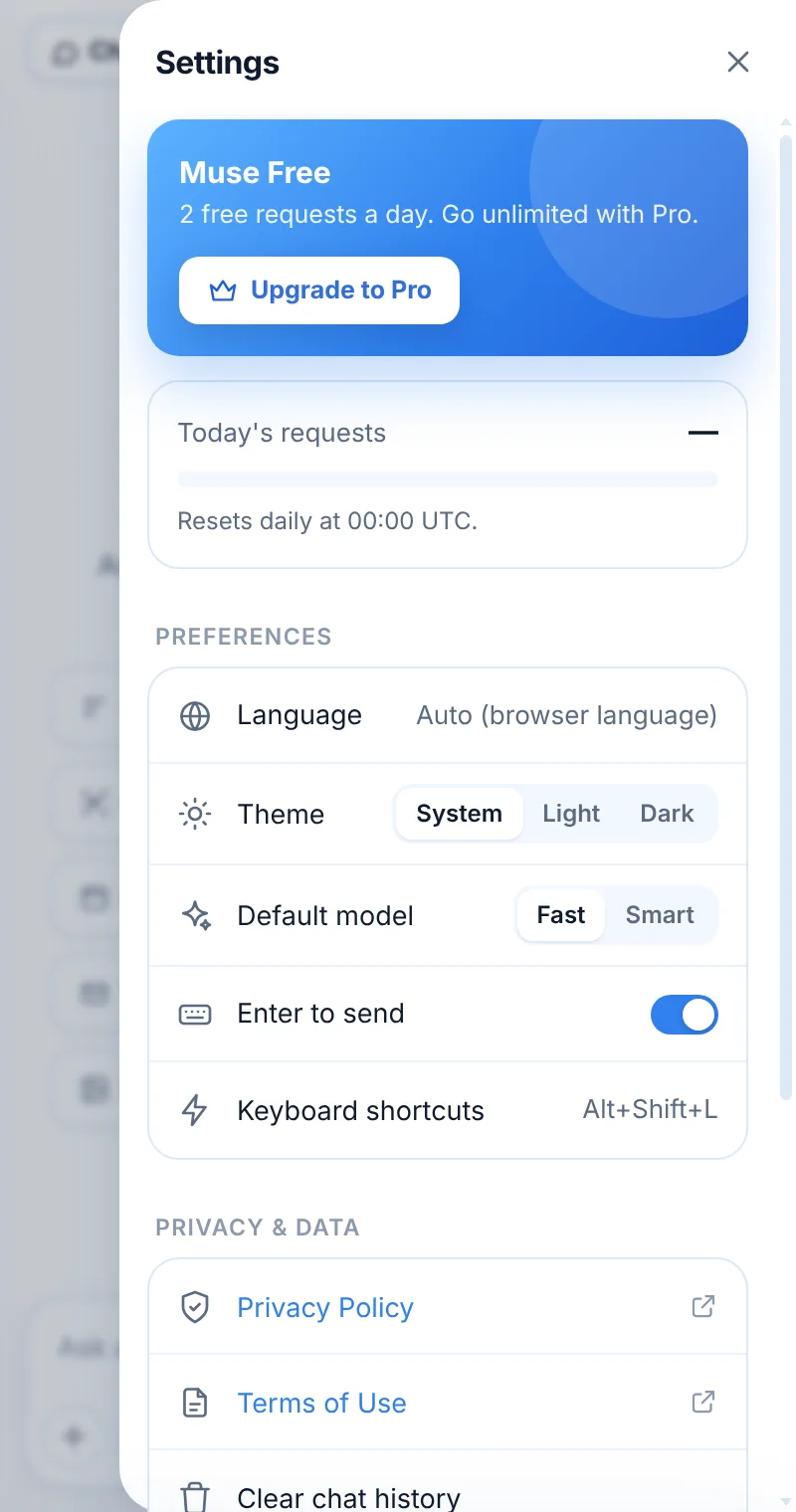
Every feature is available on the free plan — 2 requests a day. Muse Pro makes them unlimited.
AI Chat
Ask anything and get clear, formatted answers in the language you write in.
Learn moreAI Coding Assistant
Eleven coding tools: explain, debug, write, review, convert, optimize, tests, regex, SQL, docs.
Learn moreSummarize Any Web Page
Switch on “This page” to summarize articles and ask follow-up questions.
Learn moreScreenshot to Text
Capture any area of a page and extract the text, tables or code.
Learn moreAI Image Generator
Describe a picture, pick a style and size, download the result.
Learn moreVoice Input
Speak instead of typing — your words become a message.
Learn moreRight-Click AI
Ask, explain code, summarize or translate any selected text.
Learn moreAsk About Any Image
Upload or paste images and ask Muse to explain or solve them.
Learn moreSide Panel & Full Window
Work beside any page, or open Muse in a big window.
Learn moreMuse Fast & Muse Smart
Quick answers or deeper reasoning — switch per message.
Learn moreThis is what Muse looks like
Where each feature shines
| Feature | Best for | How to start |
|---|---|---|
| AI Chat | Questions, writing, emails, brainstorming | Type in the side panel |
| This page | Articles, docs, long posts, product pages | Turn on “This page” |
| Capture area | Charts, tables, code in screenshots, error dialogs | Alt+Shift+S or + → Capture area |
| Code mode | Bugs, reviews, conversions, tests, SQL | Switch to Code, pick a task |
| Image mode | Icons, illustrations, social images | Switch to Image, describe it |
| Voice input | Long questions, hands-busy moments | Tap the mic |
| Right-click | Quick actions on selected text | Select text → right-click |
Related pages

Your AI assistant is one click away
Add Muse to Chrome for free. Two AI requests a day on the free plan — upgrade only if you need more.