AI regex generator — describe it, get the pattern
Describe what you want to match and Muse writes the regular expression — with an explanation of every part and examples that match and don’t. Or paste a regex to have it explained.
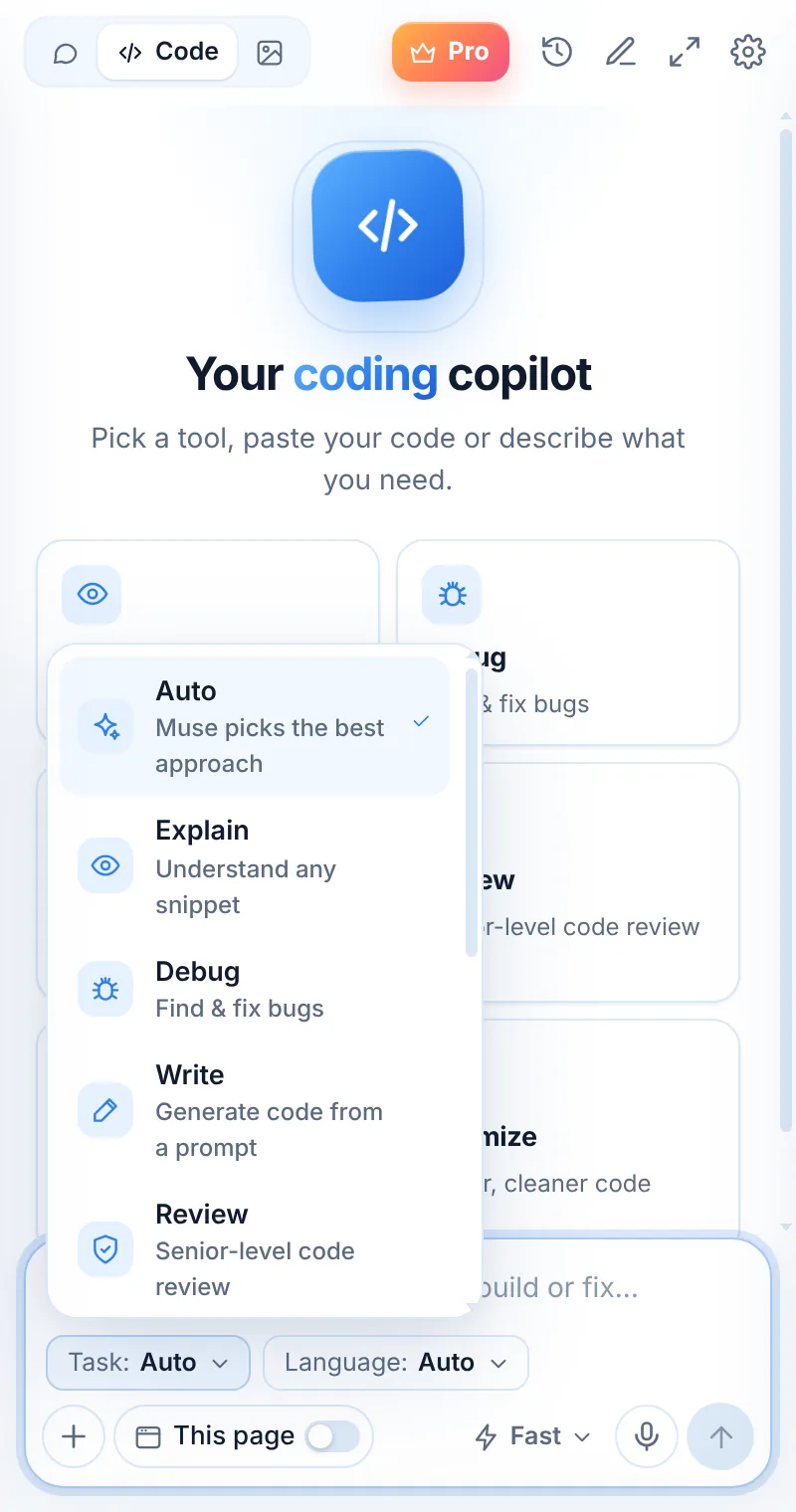
Patterns you can trust
Regex mode explains each token and gives matching and non-matching examples, so you can verify the pattern before you use it.
- Build from a plain-English description
- Explain an existing regex token by token
- Flavor notes for JavaScript, Python, PCRE
- Test cases that match and don’t
^\d{5}(?:-\d{4})?$^\d{5} five digits at the start · (?:-\d{4})? optional dash + four digits · $ end. ✅ 94103, 94103-1234 · ❌ 9410, 94103-12Regex in three steps
Switch to Code
Open Muse and tap Code in the mode switcher.
Pick “Regex”
Choose the task and, optionally, the language.
Paste and send
Paste your code or describe what you need — then ask follow-ups.
Things to ask
Regex: common questions
Which regex flavor does Muse use?
Tell Muse your language or engine (JavaScript, Python, PCRE, Go…) and it will use the right syntax and mention differences.
Can Muse explain a regex I found?
Yes. Paste it and ask for an explanation — each part is broken down in plain words.
Is it good for validation?
Yes, with care: for things like emails and URLs, Muse will suggest a practical pattern and mention its limits.
Related pages

Your AI assistant is one click away
Add Muse to Chrome for free. Two AI requests a day on the free plan — upgrade only if you need more.