AI code converter — any language to any language
Translate code between languages and frameworks: Python to JavaScript, Java to Kotlin, JavaScript to TypeScript, jQuery to vanilla JS and more — idiomatic, not word-for-word.
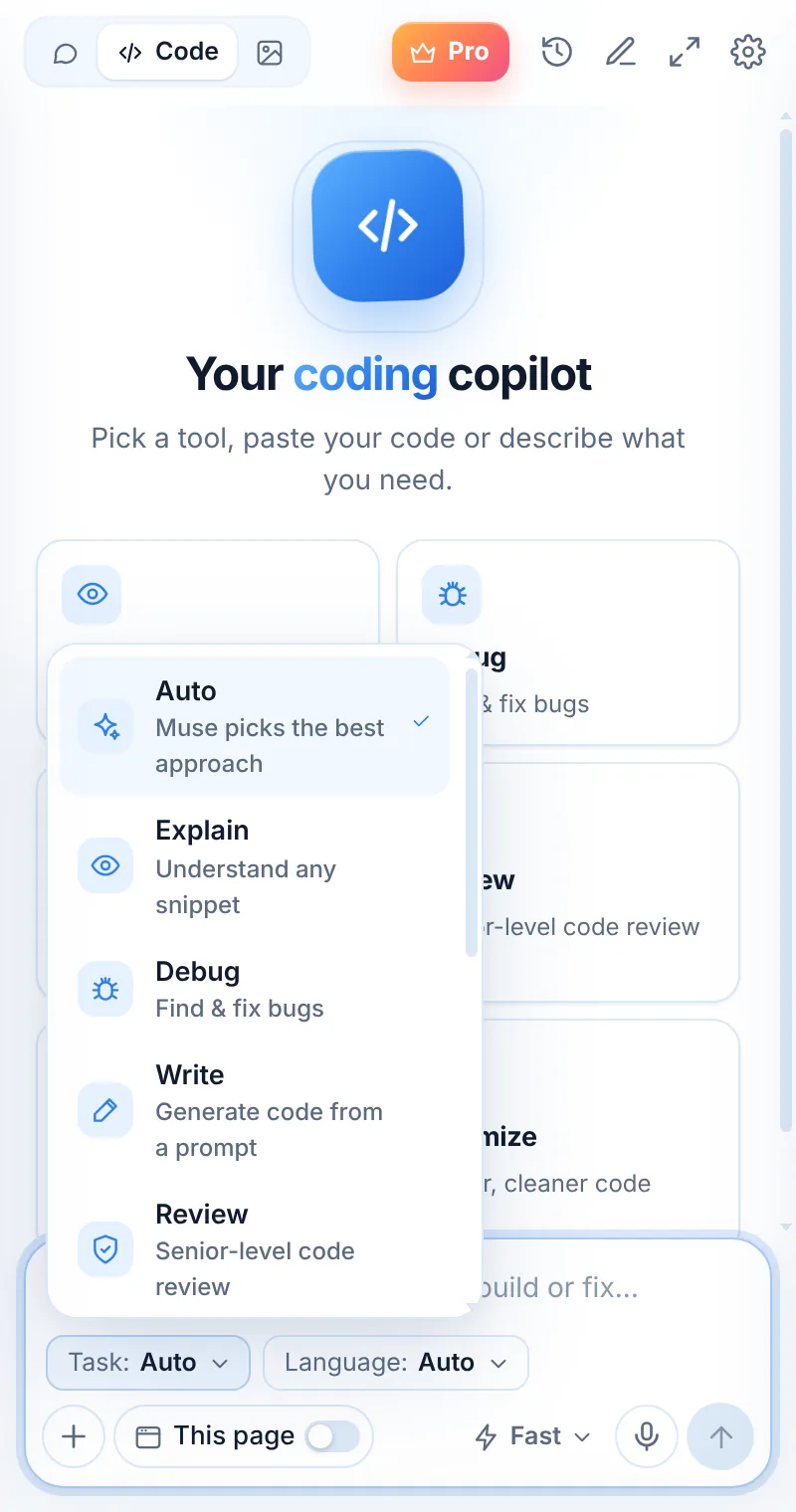
Idiomatic in the target language
Convert mode rewrites code the way a native developer of the target language would — naming conventions, types and standard library included.
- Pick the target language in the picker
- Keeps behavior, adapts idioms
- Adds types when converting to TypeScript
- Ask for notes on behavior differences
def word_count(text):
    counts = {}
    for w in text.lower().split():
        counts[w] = counts.get(w, 0) + 1
    return counts
function wordCount(text: string): Record<string, number> {
  const counts: Record<string, number> = {};
  for (const w of text.toLowerCase().split(/\s+/).filter(Boolean))
    counts[w] = (counts[w] ?? 0) + 1;
  return counts;
}
Convert in three steps
Switch to Code
Open Muse and tap Code in the mode switcher.
Pick “Convert”
Choose the task and, optionally, the language.
Paste and send
Paste your code or describe what you need — then ask follow-ups.
Things to ask
Convert: common questions
Which conversions work best?
Popular pairs like Python ↔ JavaScript, JavaScript → TypeScript, Java ↔ Kotlin, and SQL dialect changes work very well. Always run your tests after converting.
Can it convert between frameworks?
Yes, for focused pieces of code — for example a jQuery snippet to vanilla JavaScript or a class component to a React hook.
Does it handle libraries?
Muse suggests equivalent libraries in the target language and points out where behavior may differ.
Related pages

Your AI assistant is one click away
Add Muse to Chrome for free. Two AI requests a day on the free plan — upgrade only if you need more.