Debug code with AI — find the bug, get the fix
Paste your code and the error message. Muse explains why it fails and returns a corrected version you can copy — in Chrome’s side panel, next to your stack trace.
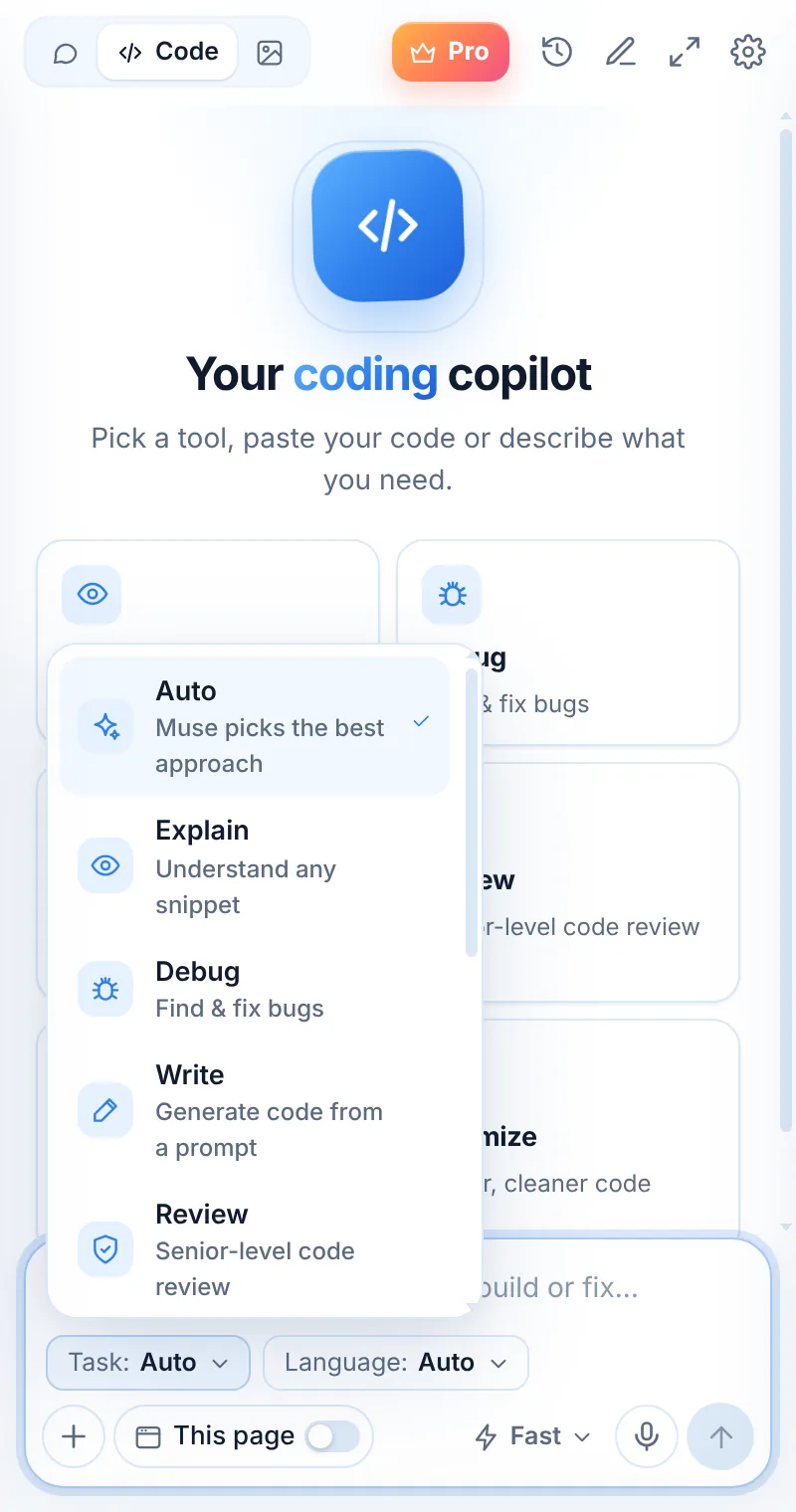
The cause first, then the fix
Debug mode is tuned to find the root cause — not just to silence the error — and to show the smallest safe change.
- Paste the error and stack trace together
- Get the root cause in one sentence
- A corrected snippet ready to copy
- Ask “why?” or “other ways to fix it?”
return data.items.map(i => i.name);
return (data?.items ?? []).map(i => i.name);
Debug in three steps
Switch to Code
Open Muse and tap Code in the mode switcher.
Pick “Debug”
Choose the task and, optionally, the language.
Paste and send
Paste your code or describe what you need — then ask follow-ups.
Things to ask
Debug: common questions
Can Muse debug from a screenshot of an error?
Yes. Press Alt+Shift+S, capture the error dialog or terminal and ask Muse to explain and fix it.
Which model is best for debugging?
Muse Smart is designed for deeper reasoning and complex code — switch to it for tricky bugs.
Does Muse see my whole project?
No. Muse sees only what you paste, capture or attach. Include the relevant files and the full error for the best result.
Related pages

Your AI assistant is one click away
Add Muse to Chrome for free. Two AI requests a day on the free plan — upgrade only if you need more.