Summarize any web page in seconds
Muse turns long articles, docs and posts into clear bullet points — and answers follow-up questions with the page as context. One switch, right in Chrome’s side panel.

Three steps, zero tab-switching
Open an article
Any normal web page works: news, docs, blogs, product pages.
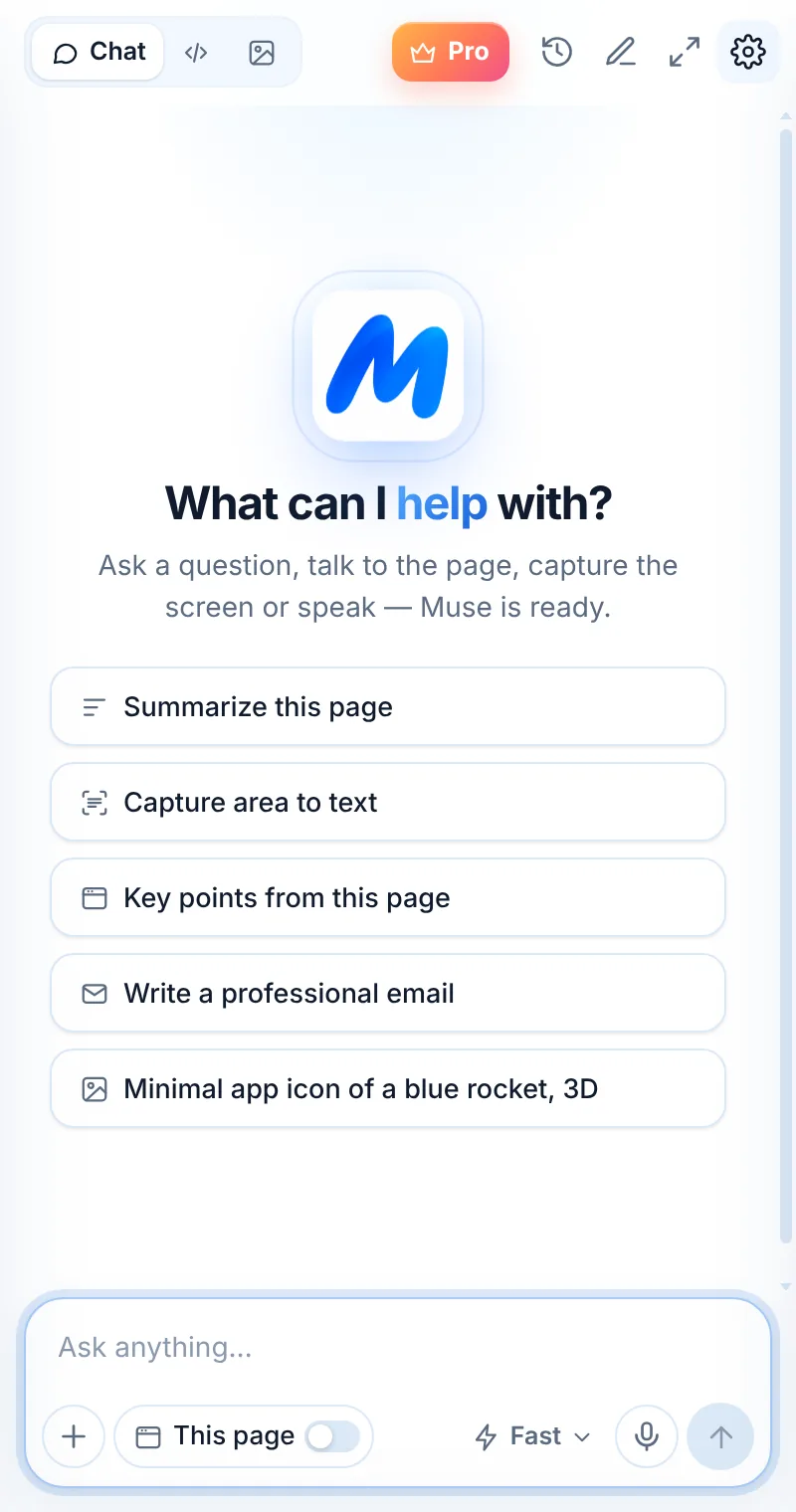
Turn on “This page”
The switch in the composer attaches the current tab to your question.
Ask for a summary
Tap “Summarize this page” or “Key points”, then ask follow-ups.
From a long article to the three things that matter
Turn on the “This page” switch and Muse reads the title, address and visible text of the current tab — then answers with the page as context.
- “Summarize this page” in a few clear bullet points
- “Key points from this page” with takeaways
- Ask follow-up questions about details
- Selected text on the page is included too
Read only when you ask
Muse never scans your tabs in the background. The page is sent only when “This page” is on or you use a page action — and it is not stored on our servers.
- First use asks Chrome for page access — once
- Browser pages and the Chrome Web Store can’t be read
- Turn the switch off any time
- Page text is processed, then discarded
Pages Muse makes shorter
News and blog posts
Get the main idea and the facts behind a headline.
Documentation
Find the one setting or command you need in a long docs page.
Research and studies
Pull out methods, results and limitations in plain words.
Reports and announcements
Turn a press release or earnings post into key numbers.
Product pages and reviews
Compare specs and pros and cons before you buy.
Terms and policies
Understand what a policy says before you agree to it.
Things to ask
Common questions
How do I summarize a web page with Muse?
Open Muse (Alt+Shift+L), turn on This page and tap “Summarize this page” — or type your own question. You can also right-click the page and choose “Ask Muse about this page”.
Why can’t Muse read some pages?
Chrome protects its own pages (like chrome:// settings and the new-tab page) and the Chrome Web Store, so no extension can read them. Open the content in a normal tab and try again.
Does Muse read the whole page?
Muse reads the page title, address, visible text and any text you selected. Very long pages may be shortened to fit the AI model’s limits.
Is the page saved anywhere?
No. Page text is sent only when you ask, used to generate your answer and not stored on Muse servers.
Related pages

Your AI assistant is one click away
Add Muse to Chrome for free. Two AI requests a day on the free plan — upgrade only if you need more.