The AI pair programmer for your browser tabs
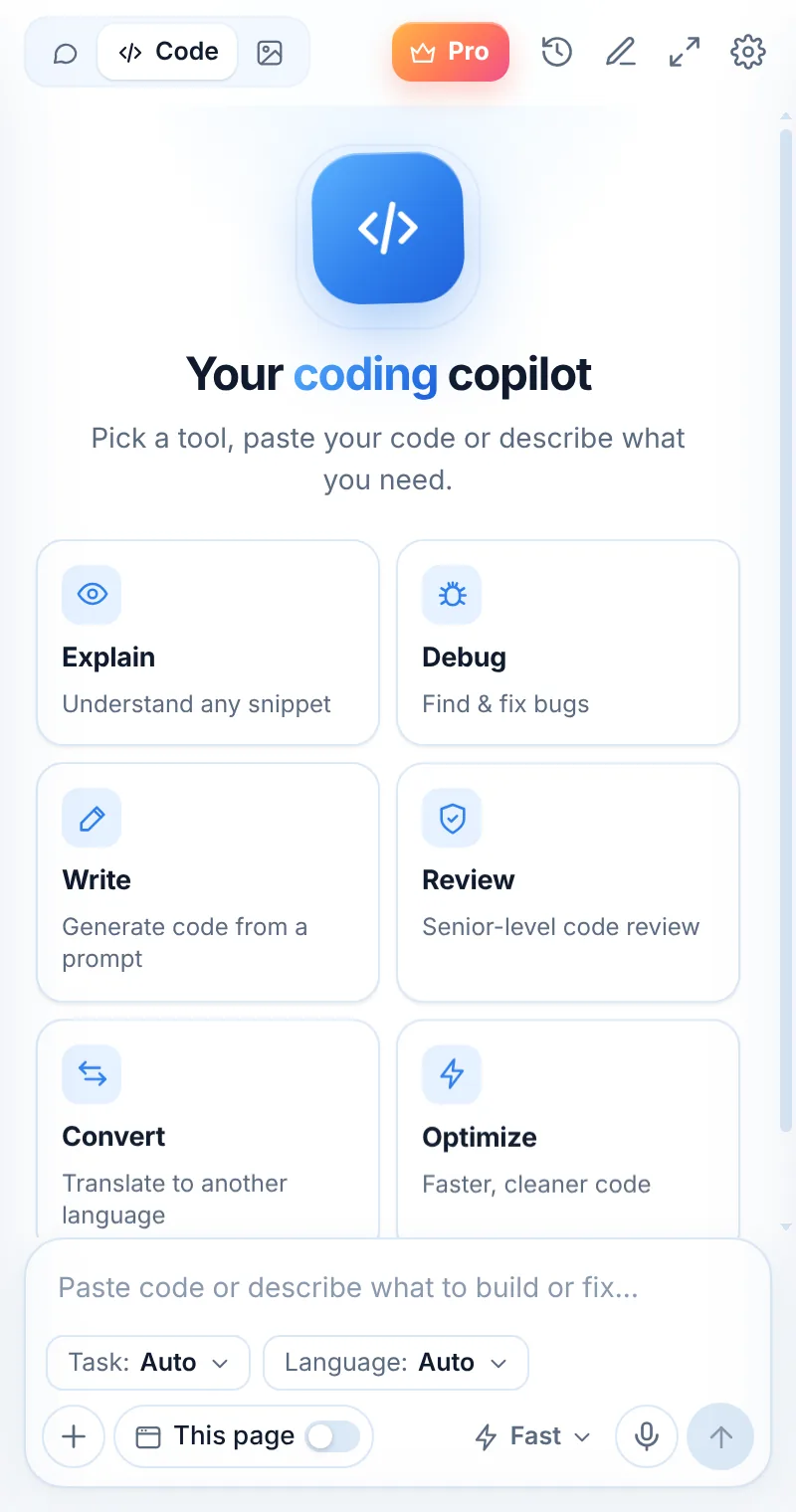
Debug errors, review PRs, explain unfamiliar code, write tests, regex and SQL — beside the docs and issues you already have open.
How it fits into your day
Hit an error
Copy the stack trace — or capture it with Alt+Shift+S.
Ask Muse to debug
Get the root cause and a fixed snippet.
Finish the job
Ask for tests and a commit message in the same chat.
Stay in the editor mindset — even in the browser
Most coding time in the browser is spent reading docs, issues, PRs and Stack Overflow. Muse puts an AI pair programmer right beside those tabs.
- Explain an unfamiliar API from the docs page you’re on
- Review a PR’s diff before you approve
- Capture code from a video tutorial as text
- Generate tests, regex and SQL in seconds
Looks at home next to your IDE
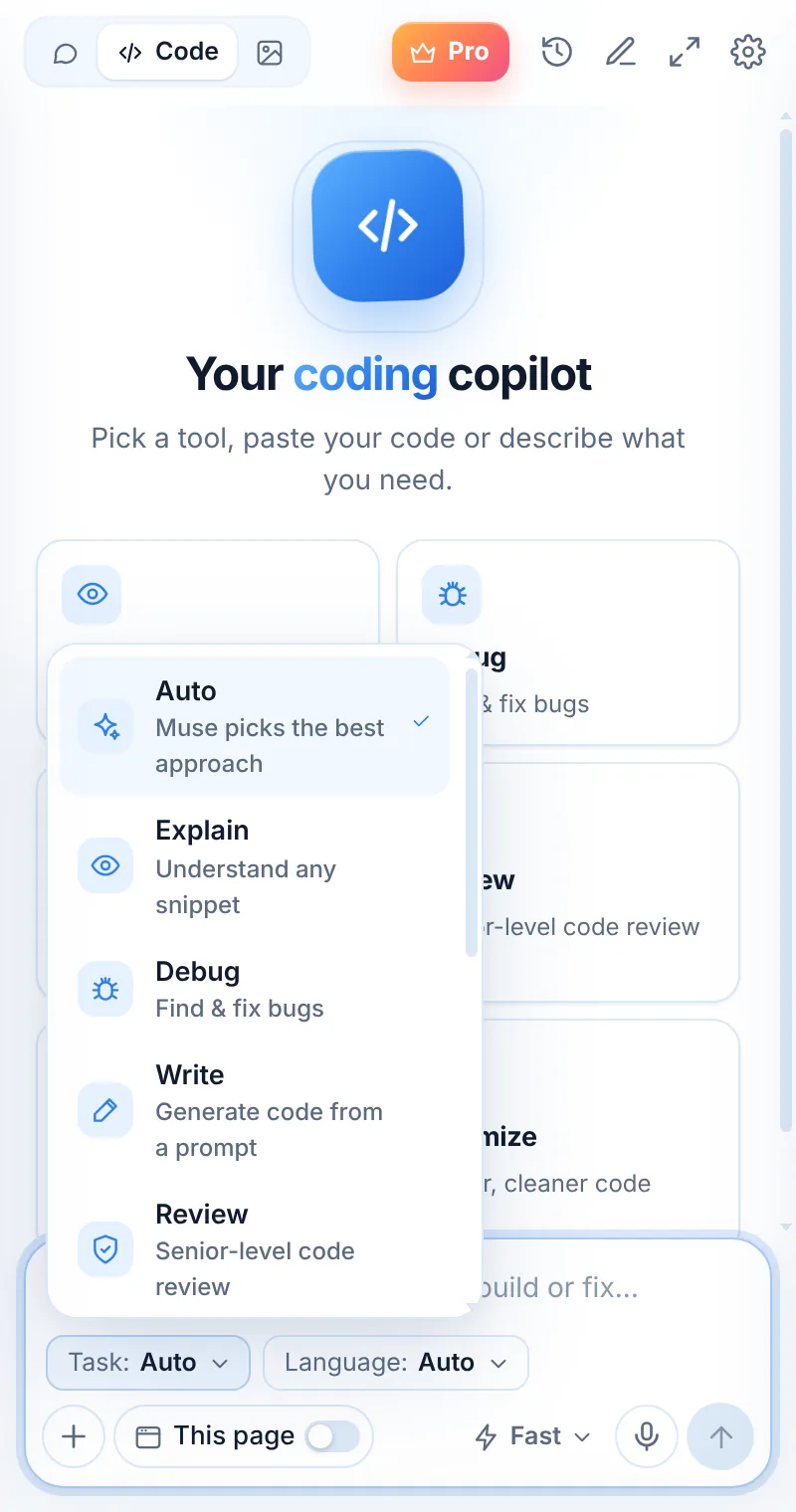
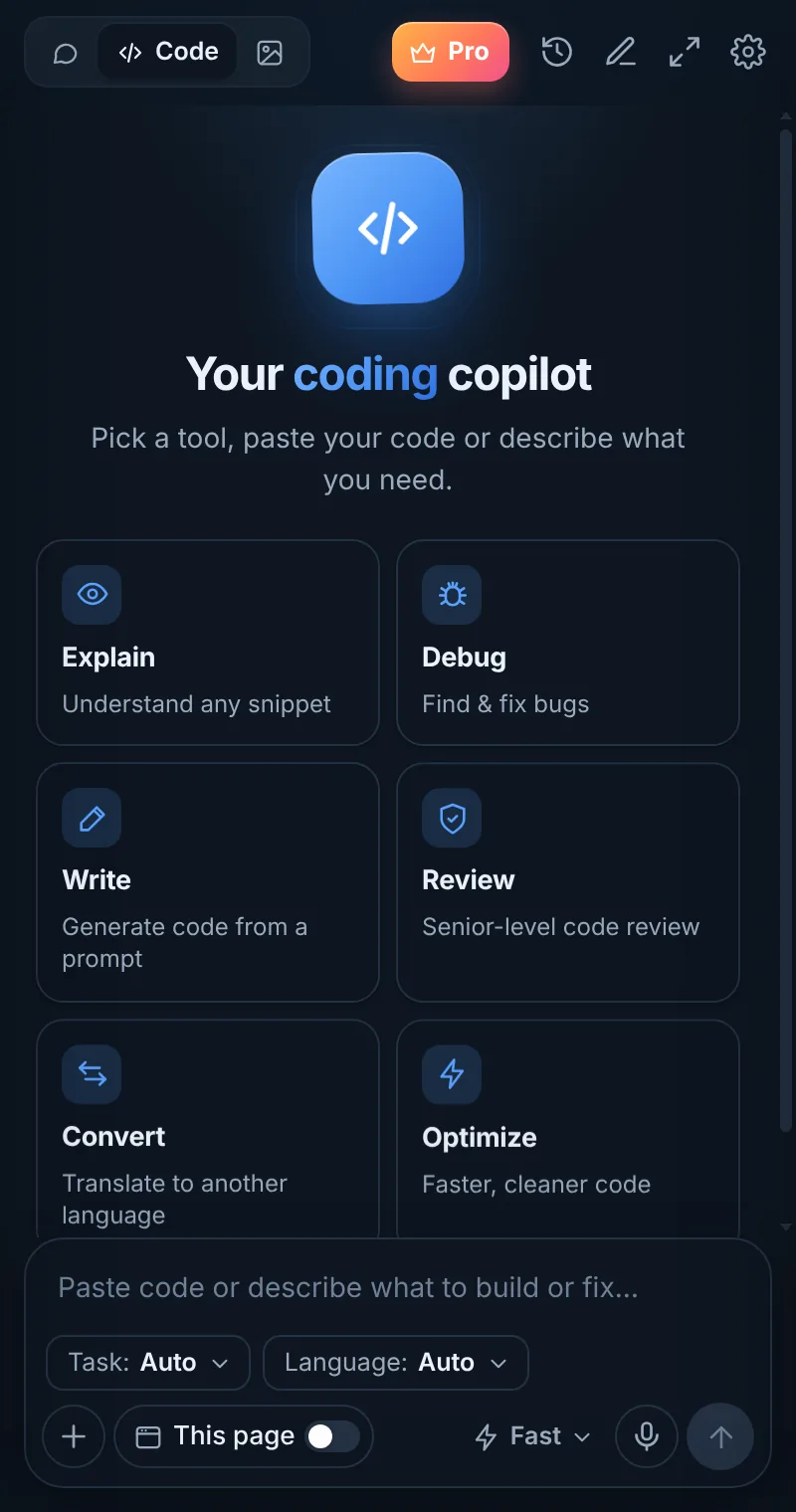
System, Light or Dark theme. Syntax-highlighted code blocks with one-click copy. Muse Smart for the hard problems.
- JetBrains Mono for code
- 19 languages and frameworks in the picker
- Full-window mode for big diffs
- Shortcuts: Alt+Shift+L and Alt+Shift+S
Things to ask
Common questions
Is Muse a replacement for an IDE assistant?
No — it complements it. Muse shines in the browser: docs, issues, PRs, tutorials and dashboards, where your IDE assistant can’t see.
Can I use Muse on GitHub?
Yes. Turn on “This page” on a file or PR, or select code and right-click “Explain this code”.
Is my code private?
Code is processed to generate an answer and not stored on Muse servers. History stays in your browser.
Related pages

Your AI assistant is one click away
Add Muse to Chrome for free. Two AI requests a day on the free plan — upgrade only if you need more.