AI code review — a senior reviewer on demand
Paste a function, a component or a diff. Muse reviews it like a senior engineer: bugs, edge cases, security, readability and performance — with concrete suggestions.
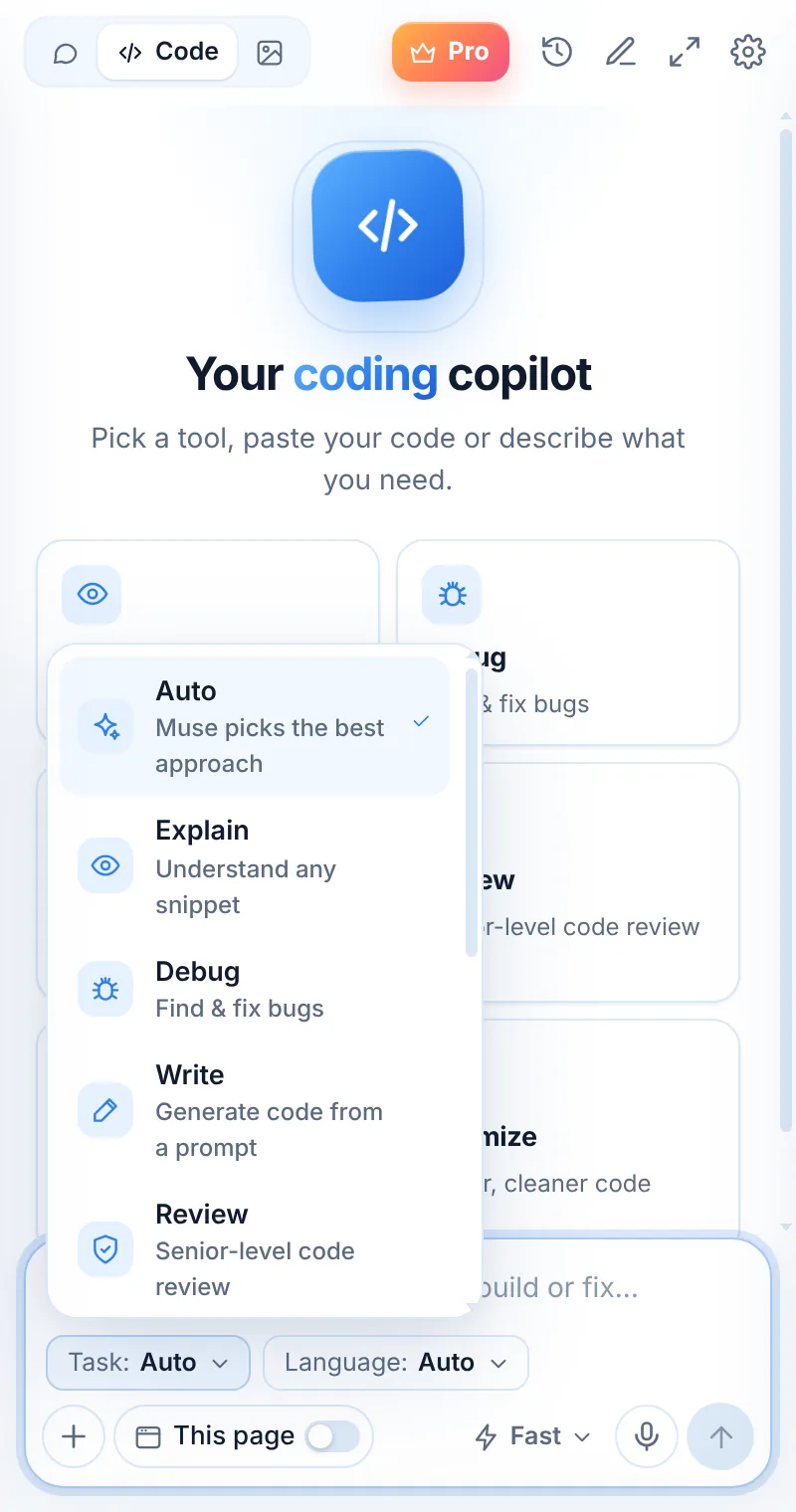
Feedback you can act on
Review mode groups findings by severity and shows the fix for each, so you can improve the code before the pull request.
- Bugs and unhandled edge cases
- Security smells like injection or missing encoding
- Naming, structure and readability
- Performance and unnecessary work
async function getUser(id: any) {
  const r = await fetch("/api/users/" + id);
  return r.json();
}
Review in three steps
Switch to Code
Open Muse and tap Code in the mode switcher.
Pick “Review”
Choose the task and, optionally, the language.
Paste and send
Paste your code or describe what you need — then ask follow-ups.
Things to ask
Review: common questions
Can Muse review a GitHub pull request?
Open the PR’s “Files changed”, turn on “This page” or paste the diff, and ask for a review. Muse reviews what it can see.
Does it replace human review?
No — it’s a fast first pass that catches common problems, so human reviewers can focus on design and intent.
Which model should I use?
Muse Smart gives more thorough reviews of complex code.
Related pages

Your AI assistant is one click away
Add Muse to Chrome for free. Two AI requests a day on the free plan — upgrade only if you need more.