AI unit test generator — coverage in seconds
Paste a function or class and Muse writes unit tests for it — happy paths, edge cases and failures — in Jest, Vitest, pytest, JUnit and other common frameworks.
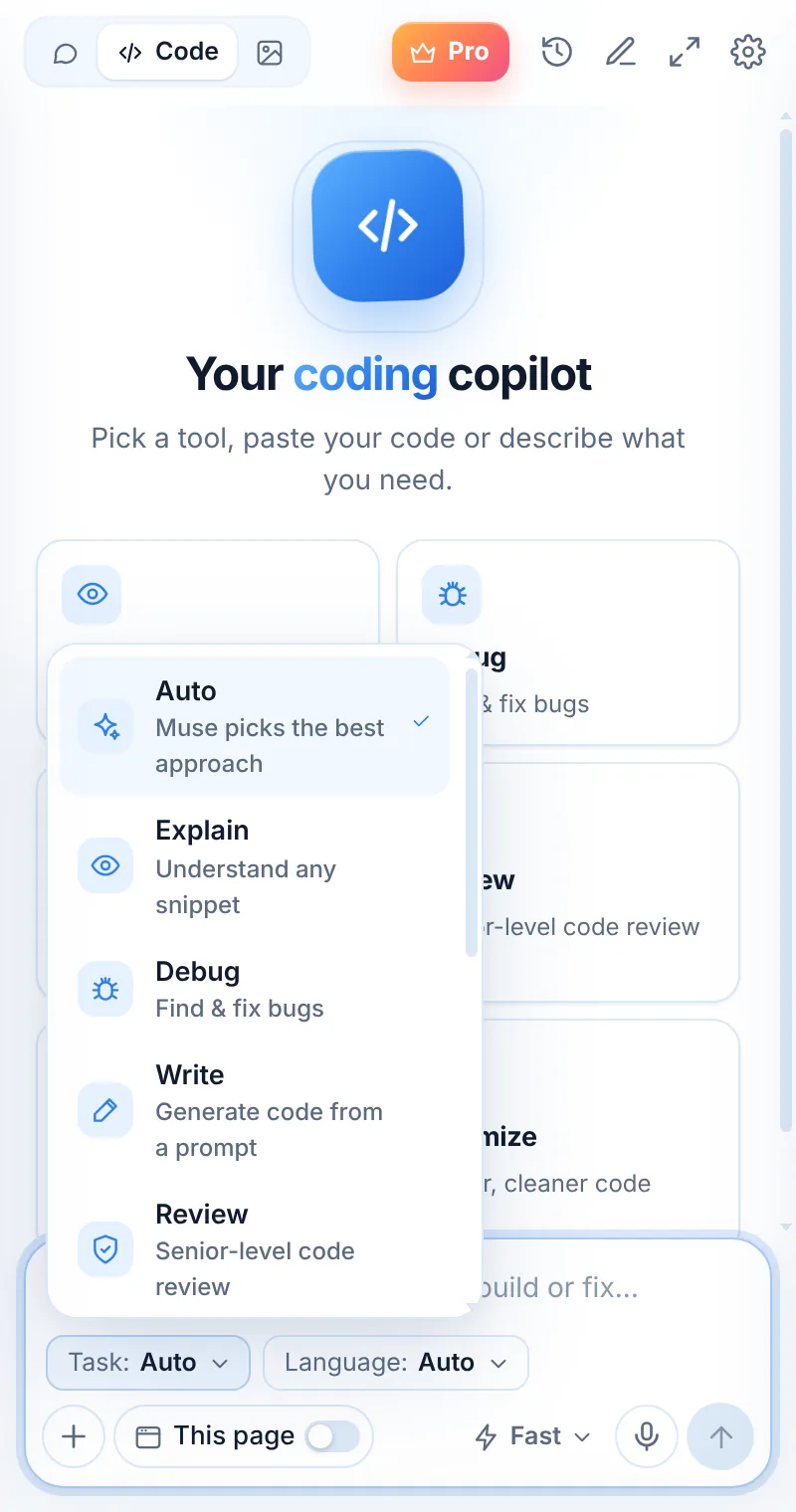
Tests that think about edge cases
Tests mode covers normal inputs, boundaries, invalid data and error paths — and names each test so failures are easy to read.
- Jest, Vitest, Mocha, pytest, unittest, JUnit and more
- Edge cases and error paths included
- Mocks for network and time when needed
- Ask for more cases or a different framework
test("empty → 0", () => expect(avg([])).toBe(0));
test("single value", () => expect(avg([5])).toBe(5));
test("negatives", () => expect(avg([-2, 2])).toBe(0));
test("floats", () => expect(avg([0.1, 0.2])).toBeCloseTo(0.15));
Tests in three steps
Switch to Code
Open Muse and tap Code in the mode switcher.
Pick “Tests”
Choose the task and, optionally, the language.
Paste and send
Paste your code or describe what you need — then ask follow-ups.
Things to ask
Tests: common questions
Which test frameworks does Muse use?
It picks the common framework for your language (for example Jest for JavaScript, pytest for Python, JUnit for Java). Ask for a specific one if you prefer.
Will the tests pass?
Muse writes tests for the behavior it sees in your code. Run them — failures often reveal real bugs or unclear requirements.
Can it write integration tests?
It can draft them, but unit tests for focused functions give the best results.
Related pages

Your AI assistant is one click away
Add Muse to Chrome for free. Two AI requests a day on the free plan — upgrade only if you need more.