Write, rewrite and design without switching apps
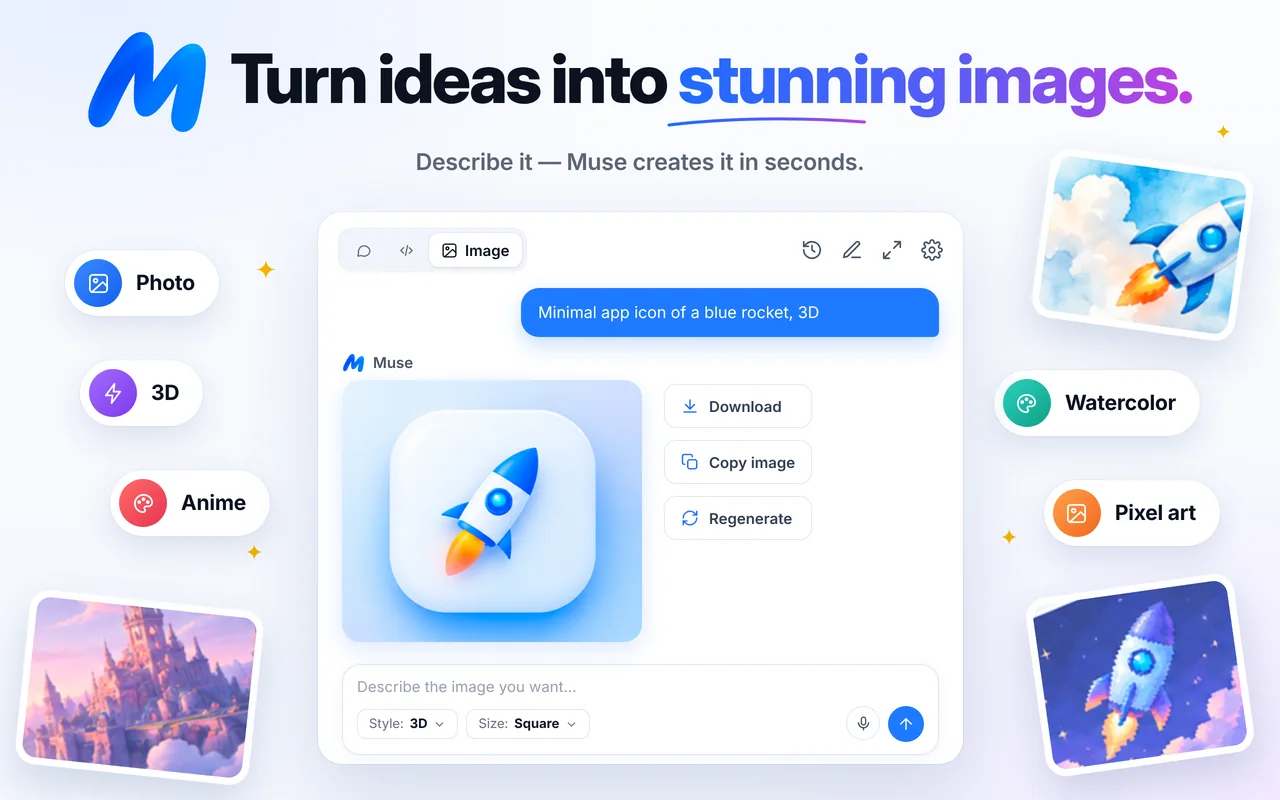
Draft emails and posts, rewrite for any tone, summarize research, translate campaigns and create images — beside the CMS, inbox or doc you’re working in.
How it fits into your day
Research
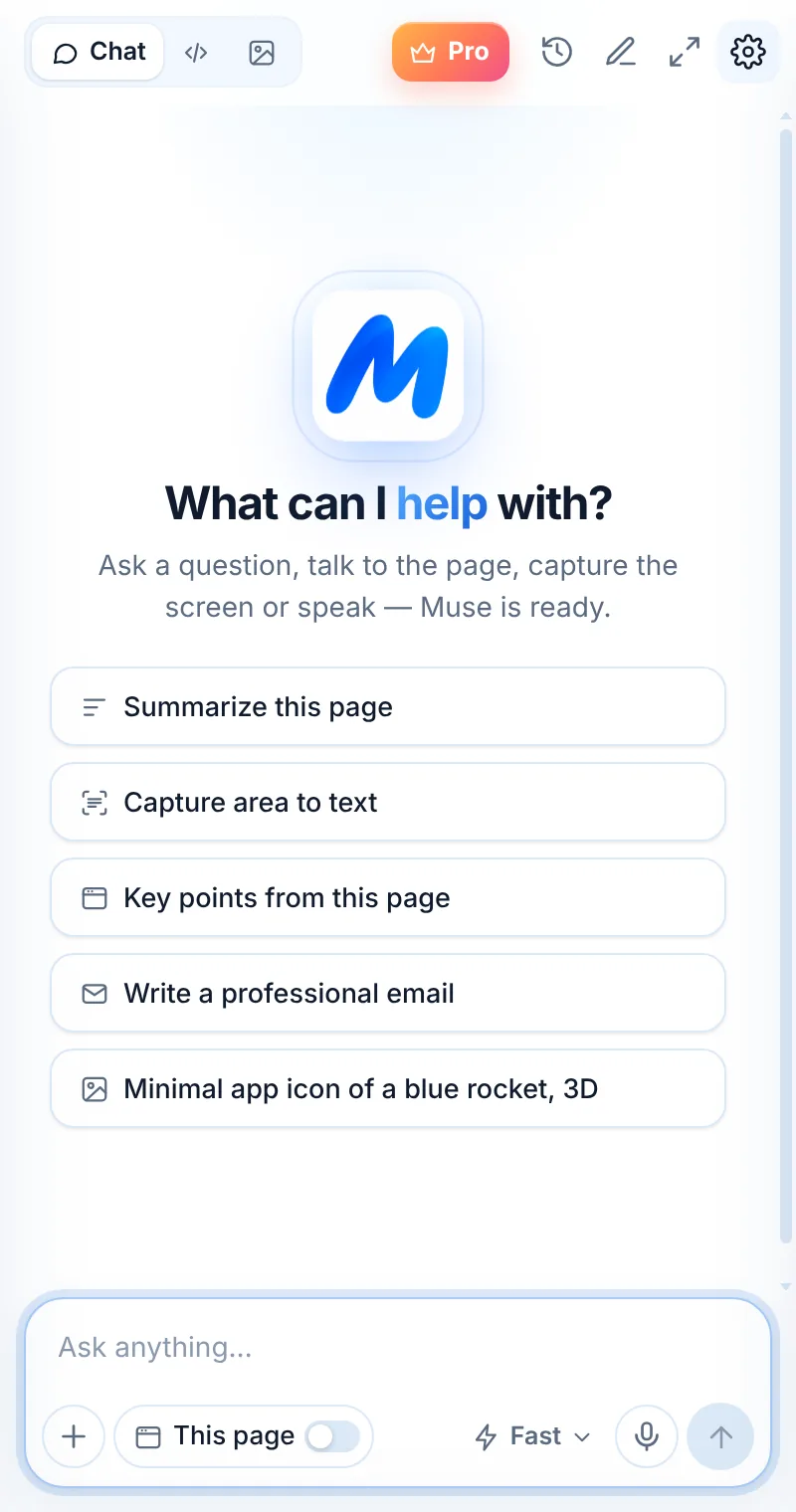
Summarize the brief, a competitor page or reviews.
Draft
Write the email, post or landing copy in your voice.
Design
Create a matching image in Image mode.
From blank page to published post
Draft and rewrite in Chat, research with This page, and create a matching image in Image mode — all in one side panel.
- Drafts for emails, posts, product copy and newsletters
- Rewrite for tone, length and audience
- Summarize competitor pages and reviews
- Create blog and social images in 7 styles
Reach every market in their language
Select text anywhere and translate it, or ask Muse to localize a campaign with the right tone for each language.
- Right-click “Translate selection”
- Answers in the language you write in
- Interface in English, Spanish, French and Italian
- Keep brand terms consistent with instructions
Things to ask
Common questions
Can Muse write in my brand voice?
Paste a sample of your writing and ask Muse to match the tone. Keep the sample in the chat for follow-up drafts.
Can I create images for social media?
Yes — choose Square for posts, Tall for stories and Wide for headers.
Does Muse check facts?
Muse can make mistakes. Verify facts, figures and claims before you publish.
Related pages

Your AI assistant is one click away
Add Muse to Chrome for free. Two AI requests a day on the free plan — upgrade only if you need more.