 MuseAI
You don’t need a separate app to create AI images. With Muse’s Image mode you can generate pictures from Chrome’s side panel and drop them straight into your doc, email or post. Here’s how — plus a simple prompt formula that works.
Create your first image
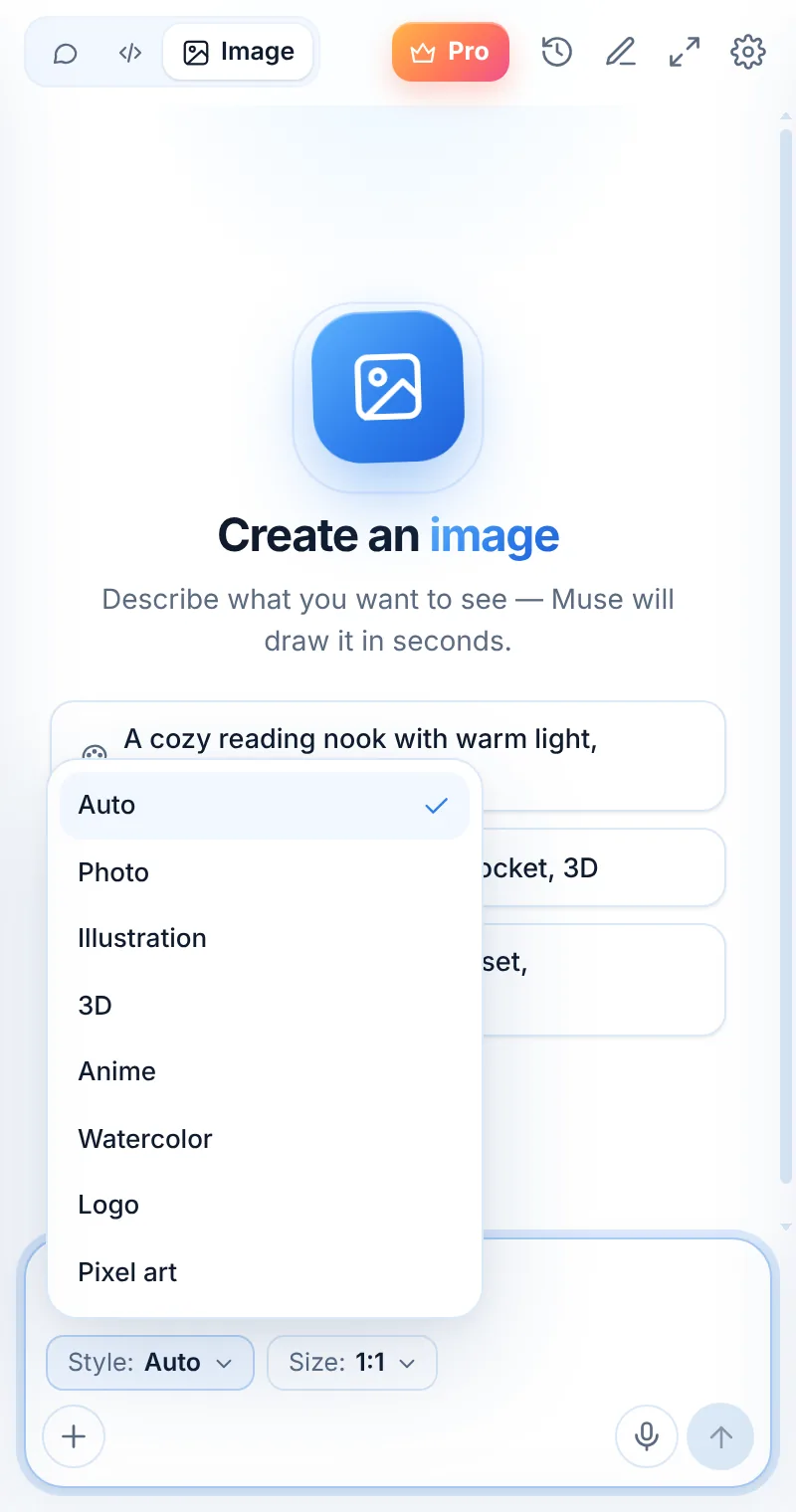
- Open Muse (Alt+Shift+L) and tap Image at the top.
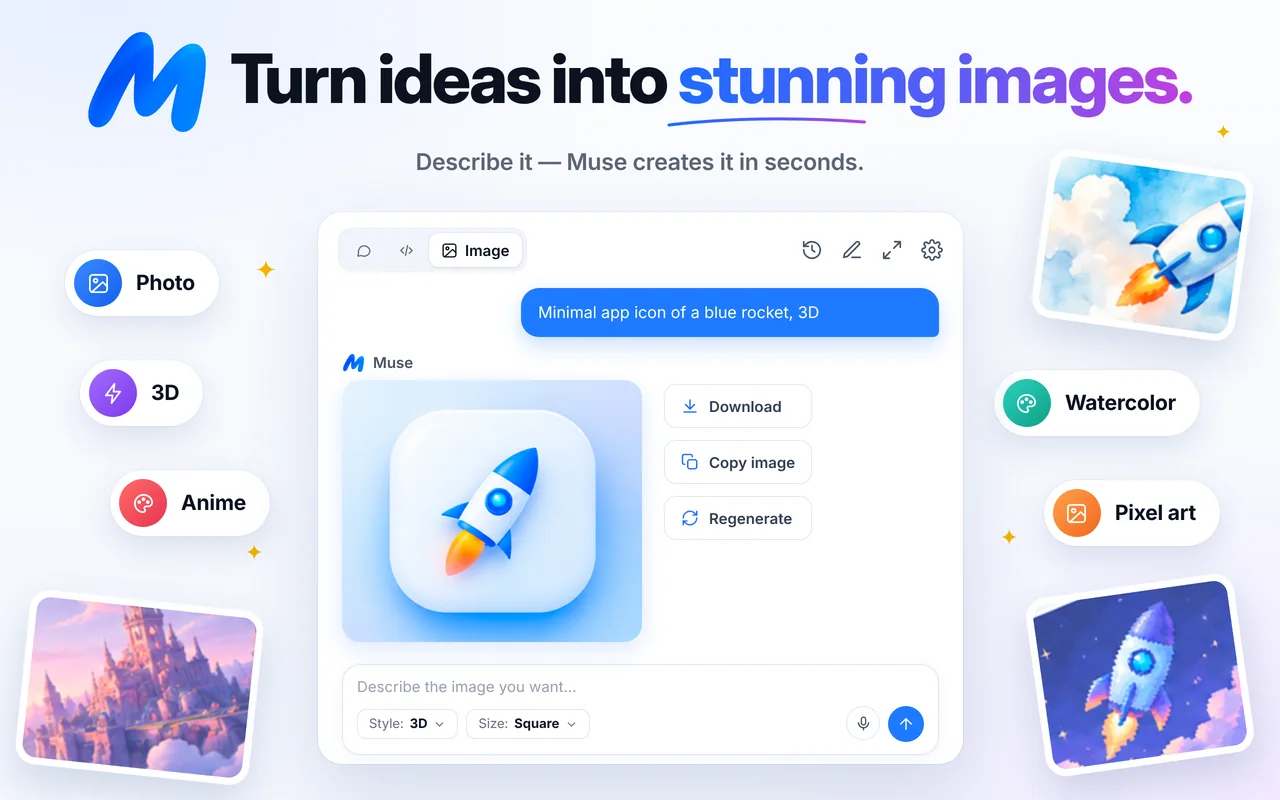
- Choose a Style: Auto, Photo, Illustration, 3D, Anime, Watercolor, Logo or Pixel art.
- Choose a Size: Square, Wide or Tall.
- Describe the image and send.
- Download, Copy image or Regenerate.
A prompt formula that works
Subject + details + setting + light & mood + style.
- “A ceramic coffee mug with steam, on a wooden desk by a window, soft morning light, photo.”
- “A friendly robot mascot waving, simple background, bright colors, 3D.”
- “A lighthouse on a cliff, stormy sea, dramatic sky, watercolor.”
Pick the right size
- Square — app icons, profile pictures, Instagram posts.
- Wide — blog headers, slides, YouTube thumbnails, banners.
- Tall — stories, Pinterest pins, phone wallpapers.
Tips for better results
- Be specific about the subject and leave out what doesn’t matter.
- Name the mood (cozy, cinematic, playful) and the light (golden hour, studio).
- If the result is close, regenerate rather than starting over.
- For logos, describe the shape and feeling, then refine the best idea in a design tool.
Using your images
You can download and use the images you create in line with our Terms of Use and applicable law. Don’t generate content that infringes others’ rights or depicts real people without consent.
FAQ
Is image generation free?
Each image counts as one request: 2 a day free, unlimited with Muse Pro.
Why didn’t I get an image?
Sometimes the model doesn’t return an image for a prompt. Rephrase it or make it more specific and try again.
Can I edit an image after creating it?
Ask for a variation with Regenerate or a new prompt describing the change.