The AI coding assistant in your browser
Explain, debug, write, review, convert and optimize code — plus unit tests, regex, SQL and docs. Muse is a coding copilot in Chrome’s side panel, next to your docs, GitHub and Stack Overflow tabs.
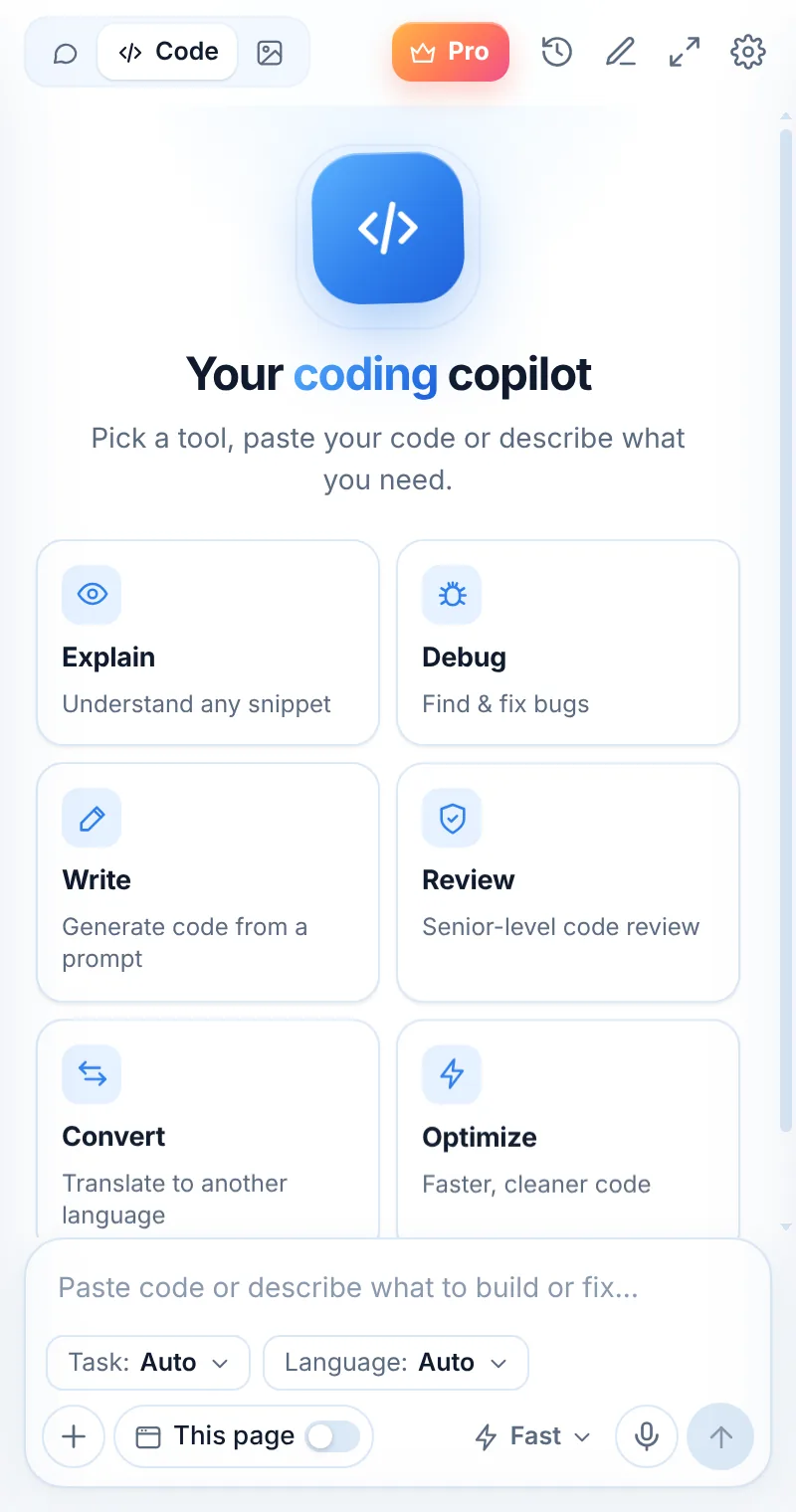
Pick a task. Paste. Ship.
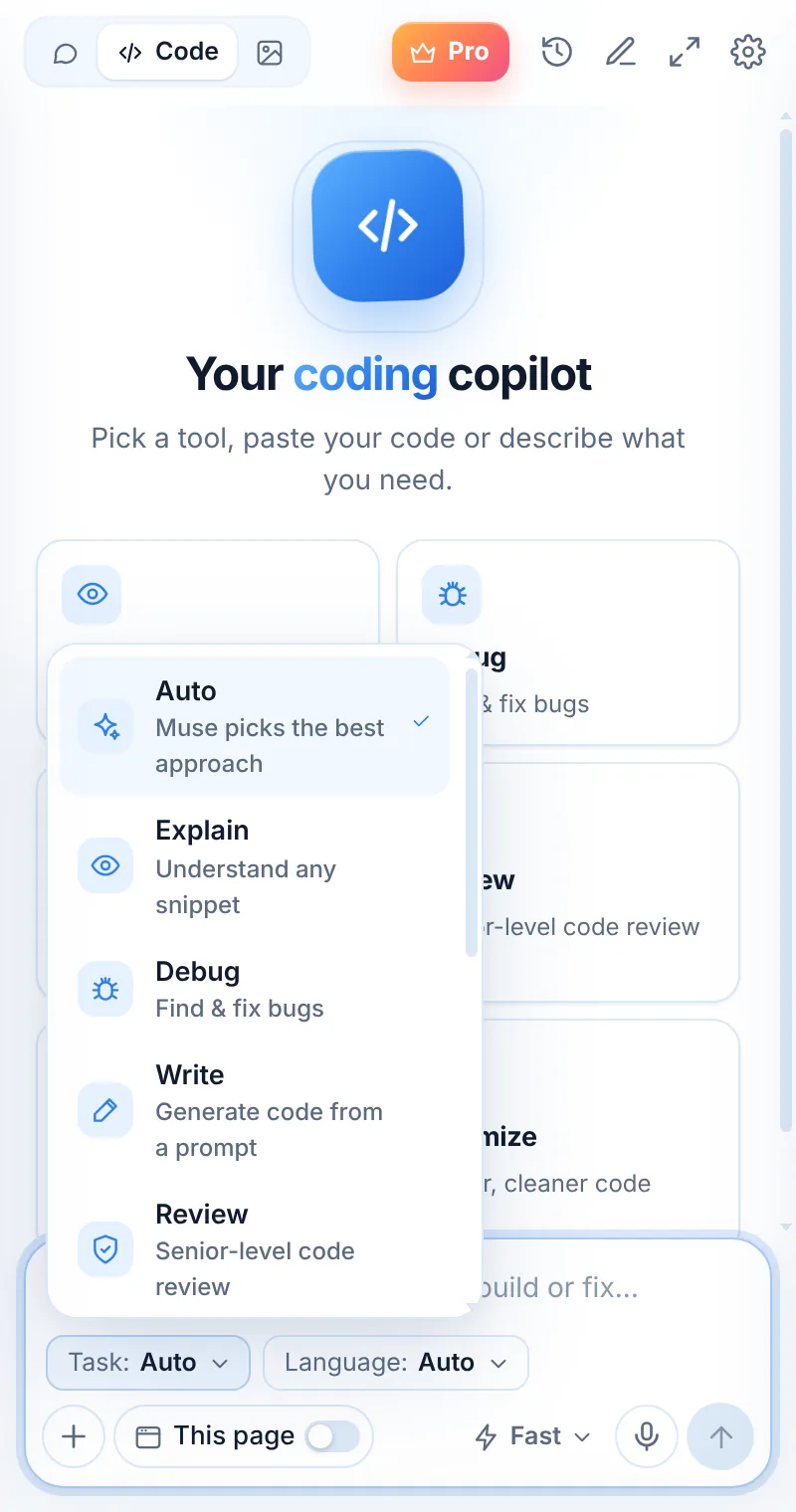
Every tool has its own prompt tuned for the job, so you get a focused answer — not a wall of text. Or choose Auto and Muse picks the best approach.
Auto
Paste code or describe what to build or fix — Muse chooses the right approach.
Explain
Understand any snippet.
Learn moreDebug
Find & fix bugs.
Learn moreWrite
Generate code from a prompt.
Learn moreReview
Senior-level code review.
Learn moreConvert
Translate to another language.
Learn moreOptimize
Faster, cleaner code.
Learn moreTests
Generate unit tests.
Learn moreRegex
Build or explain a pattern.
Learn moreSQL
Write & fix queries.
Learn moreDocs
Comments & README.
Learn moreBug in, fix out — with the why
Muse explains the cause in one line, gives a corrected version and keeps the formatting copy-ready.
- Syntax-highlighted code blocks
- One-click copy
- Follow-ups keep the context
total = 0
for row in rows:
    total += row["price"]
total = sum(float(row["price"]) for row in rows)
A coding copilot that stays out of your way
Code mode adds a Task picker and a Language picker to the composer. Choose them once and keep pasting — Muse remembers your choice.
- Task: Auto, Explain, Debug, Write, Review, Convert, Optimize, Tests, Regex, SQL, Docs
- Language: Auto or one of 19 languages and frameworks
- Muse Smart for complex debugging and reviews
- Open in full window for big files
Works with the stack you use
Pick a language or leave it on Auto — Muse detects it from your code.
Coding questions
Is Muse a good AI coding assistant for beginners?
Yes. Explain mode walks through code line by line in plain words, and Debug explains why an error happens before showing the fix.
Which programming languages does Muse support?
JavaScript, TypeScript, Python, Java, C#, C++, Go, Rust, PHP, Ruby, Swift, Kotlin, Dart, SQL, HTML/CSS, React, Vue, Node.js and Bash — or Auto to detect it.
Does Muse run my code?
No. Muse reads the code you paste and answers with explanations and code. It doesn’t execute anything — always test changes in your own environment.
Can Muse read code from a web page?
Yes. Turn on “This page” on a docs page or GitHub file, select code and right-click “Explain this code”, or capture code from a video with Capture area.
Is my code stored?
No. Code you send is processed to generate the answer and not stored on Muse servers. Your chat history stays in your browser.
Related pages

Ship cleaner code today
Add Muse to Chrome and get 2 free coding requests every day. Go unlimited with Muse Pro.