Create AI images without leaving your tab
Type a sentence, choose a style and a size, and Muse draws it in seconds. Download it, copy it into your doc or regenerate — all from Chrome’s side panel.
Three steps, zero tab-switching
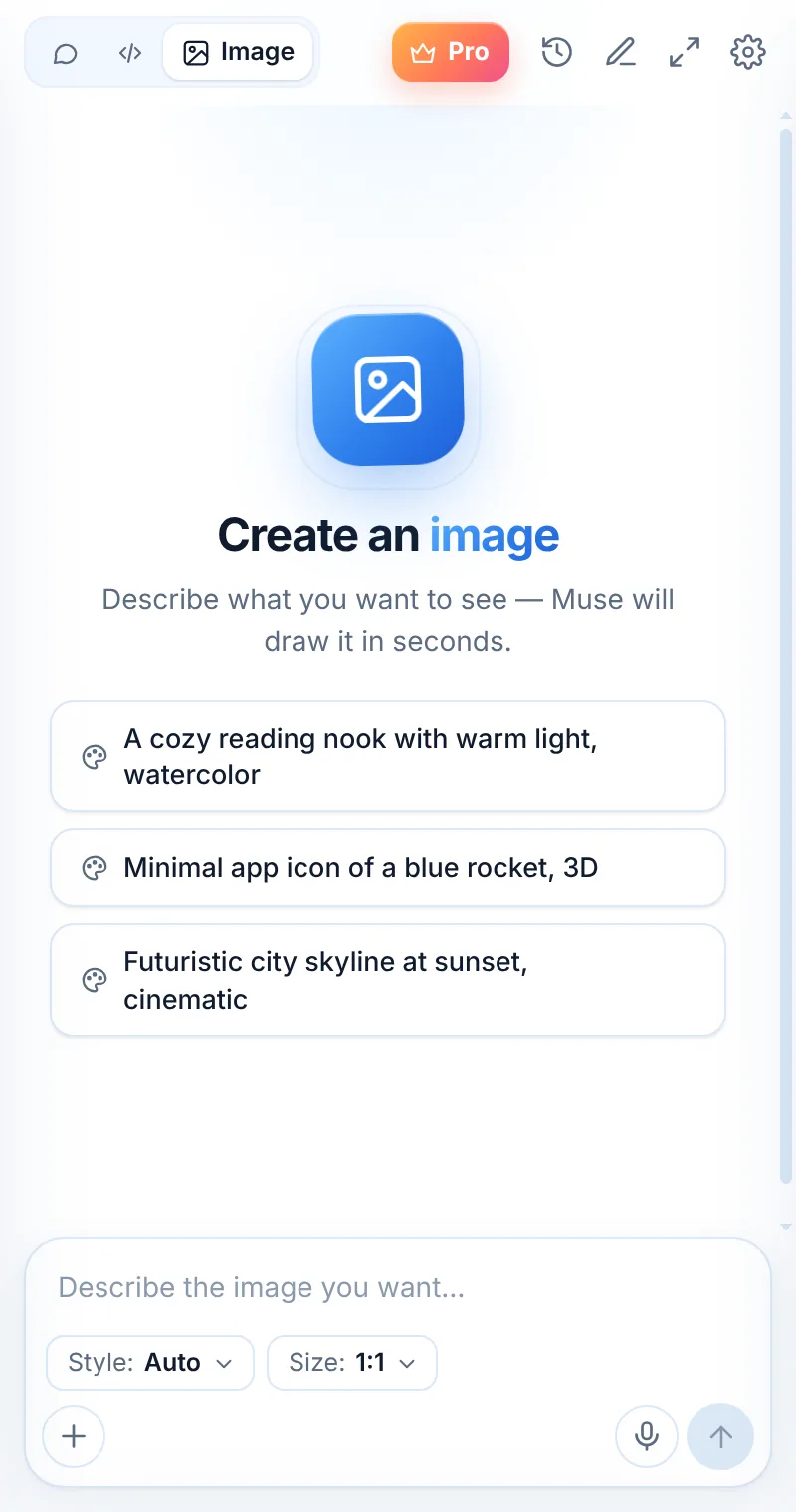
Switch to Image
Tap Image in the mode switcher at the top of Muse.
Describe the picture
Pick a style and a size, then write your prompt.
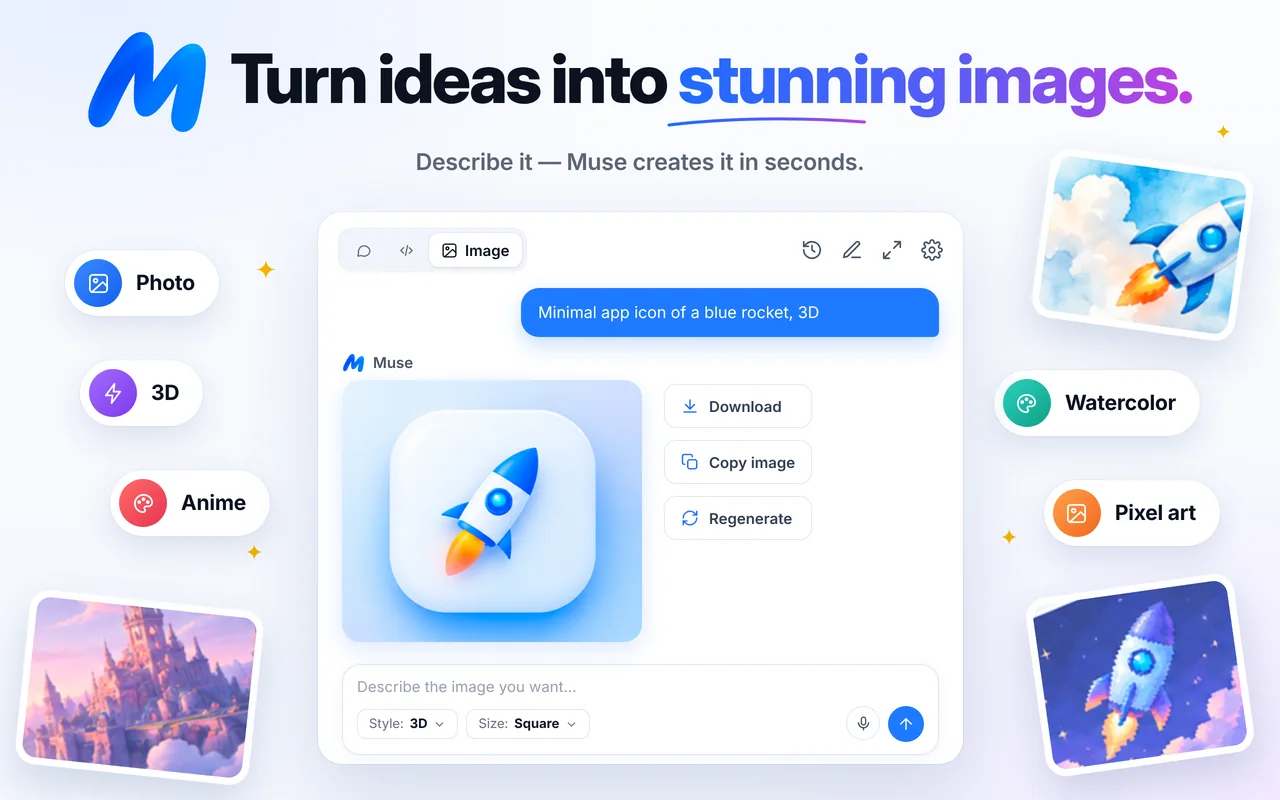
Download or copy
Save it, copy it into a doc, or regenerate.
Describe it. See it.
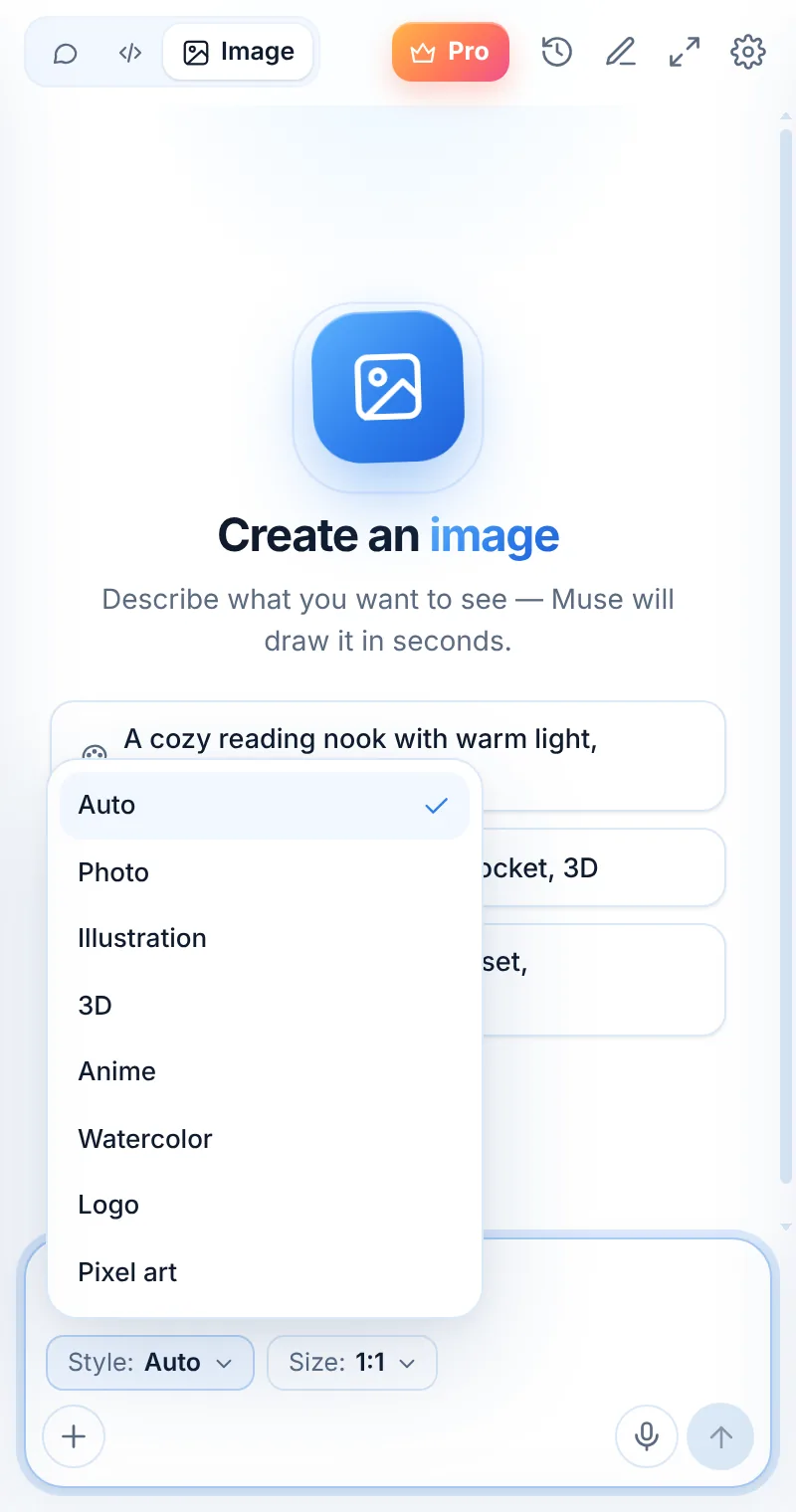
Switch to Image mode, write what you want to see and pick a style and size. Muse creates the picture in seconds, right in the side panel.
- Styles: Auto, Photo, Illustration, 3D, Anime, Watercolor, Logo, Pixel art
- Sizes: Square, Wide or Tall
- Download, copy or regenerate in one click
- Suggestions to get you started
Icons, covers, mockups and social posts
Generate a hero image for a blog post, an app icon concept, a thumbnail idea or a watercolor for a card — without opening another tool.
- Wide images for headers and slides
- Tall images for stories and phone wallpapers
- Square images for icons and posts
- Copy the image straight into docs and chats
Seven looks, one sentence away
Photo
Realistic photos for mockups, blog headers and presentations.
Illustration
Clean editorial illustrations for articles and landing pages.
3D
Glossy 3D renders — perfect for app icon ideas.
Anime
Expressive anime-style characters and scenes.
Watercolor
Soft painted looks for cards and invitations.
Logo & Pixel art
Logo concepts and retro pixel-art graphics.
Things to ask
Common questions
Is the Muse image generator free?
Image creation counts as a request. The free plan includes 2 requests per day; Muse Pro makes image creation unlimited.
Can I use the images I create?
You can download and copy the images you generate. Check that your use follows our Terms of Use and applicable laws — for example, avoid generating content that infringes others’ rights.
What sizes can I create?
Square, Wide and Tall. Pick a size before you send your prompt.
Why didn’t I get an image?
Sometimes the model returns no image for a prompt. Try rephrasing it or making it more specific, then tap Regenerate.
Related pages

Your AI assistant is one click away
Add Muse to Chrome for free. Two AI requests a day on the free plan — upgrade only if you need more.